AI Work Portfolio
Showcase Your Skills with a Stunning, Professional Portfolio
In today’s competitive market, your work portfolio is more than just a collection—it’s your brand, your proof, and your pitch. Whether you’re applying for a new role, pitching to clients, or highlighting your creative journey, how you present your work can make all the difference.
Feeling stuck with outdated templates or messy Google Docs? Bit.ai’s Work Portfolio Generator takes the guesswork out of building a clean, professional portfolio—so you can focus on telling your story with confidence.
Let’s walk through what this Work Portfolio Generator does, why it’s your new secret weapon, and how Bit.ai helps you put your best work forward every time.
What is a Work Portfolio?
A Work Portfolio Generator is like your personal creative assistant—an AI-powered tool that helps you pull together your best work into a sleek, easy-to-navigate portfolio. From design to layout to content guidance, Bit.ai helps you build a portfolio that reflects your skills, personality, and professionalism.

Why Use a Work Portfolio?
- Professional First Impression: A polished portfolio speaks volumes before you even say a word.
- Organized Showcase: Easily group projects by industry, format, or client to keep your story clear and compelling.
- Tailored Presentation: Customize each portfolio based on the role, client, or industry you’re targeting.
- Credibility Booster: With case studies, testimonials, and visual elements, you build trust in seconds.
- Multi-Format Friendly: Whether you’re a designer, writer, developer, or marketer—Bit.ai adapts to every creative field.
Why Use Bit.ai to Create a Work Portfolio?
Bit.ai gives you the structure, speed, and style you need to create a digital portfolio that impresses. No design skills needed—just your work and your story, elevated.
- Easy, Elegant Layouts: Say goodbye to clunky PDFs or endless scrolls. Bit.ai helps you build dynamic, scrollable portfolios in minutes.
- Project Highlights: Showcase each project with visuals, goals, your role, tools used, and measurable outcomes.
- Flexible Sections: Add intro bios, skills lists, testimonials, certifications, and more—customized to your niche.
- Interactive Content: Embed videos, websites, or design files directly into your portfolio for a live-demo feel.
- Collaborative Edits: Work with mentors, peers, or creative teams to fine-tune your content in real time.
- Consistent Design: Keep your personal brand on point with cohesive fonts, colors, and layout options.
- Searchable and Shareable: Host your portfolio online with a shareable link or export it as a beautifully formatted PDF.
How to Use Work Portfolio
1. Open a new document

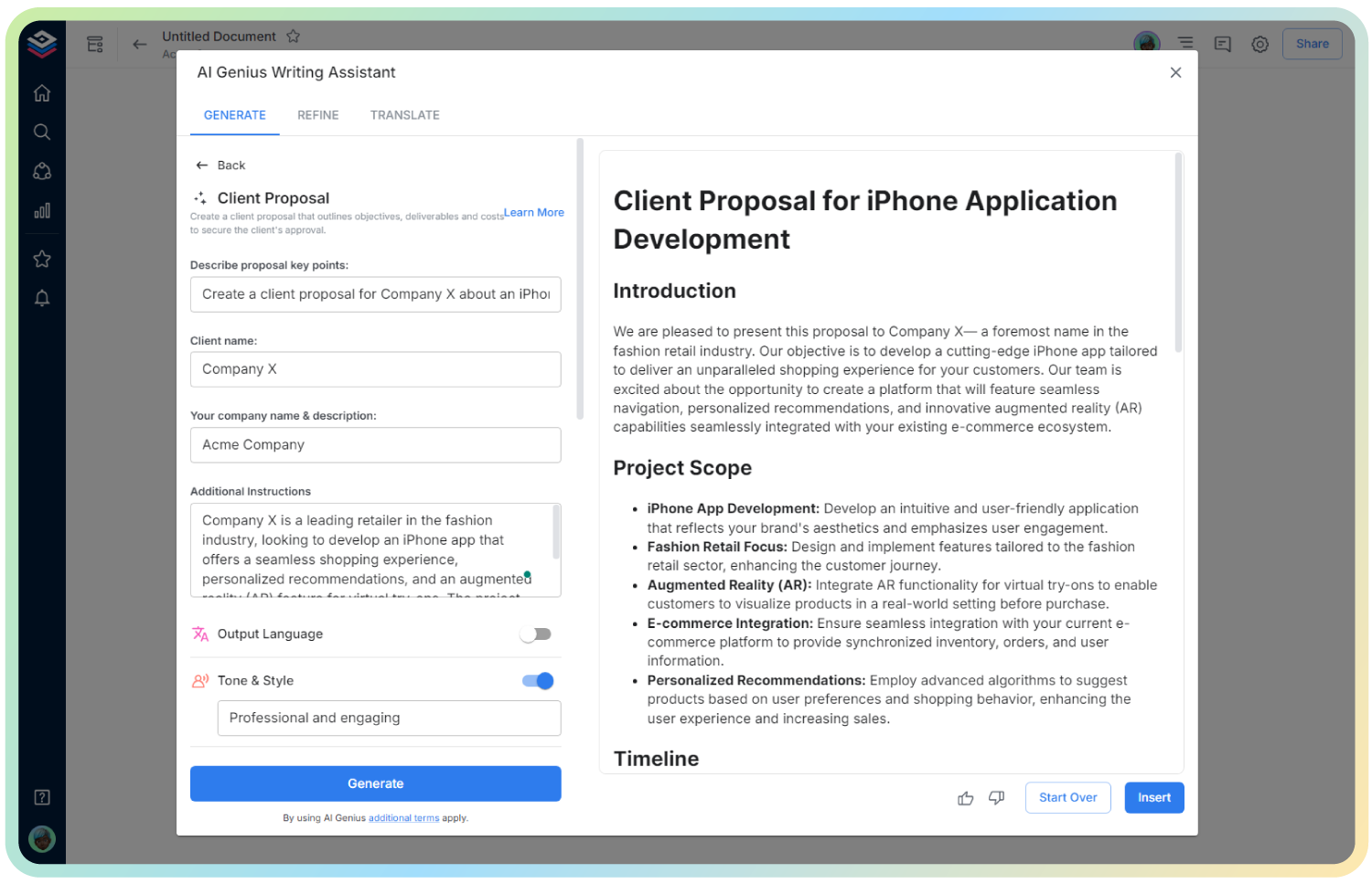
2. Type @ on a blank line to open up the AI Writing Assistant.

3. Search Instagram Post Generator from the template search field on the left sidebar.

4. Fill out the quick Instagram Post Generator entry form, and Bit.ai will generate a customized post.

5. Click on ‘Advanced Options’ to adjust the tone, layout, or add interactive elements.

6. Hit ‘Insert’ and voilà—your portfolio is ready to personalize and present.