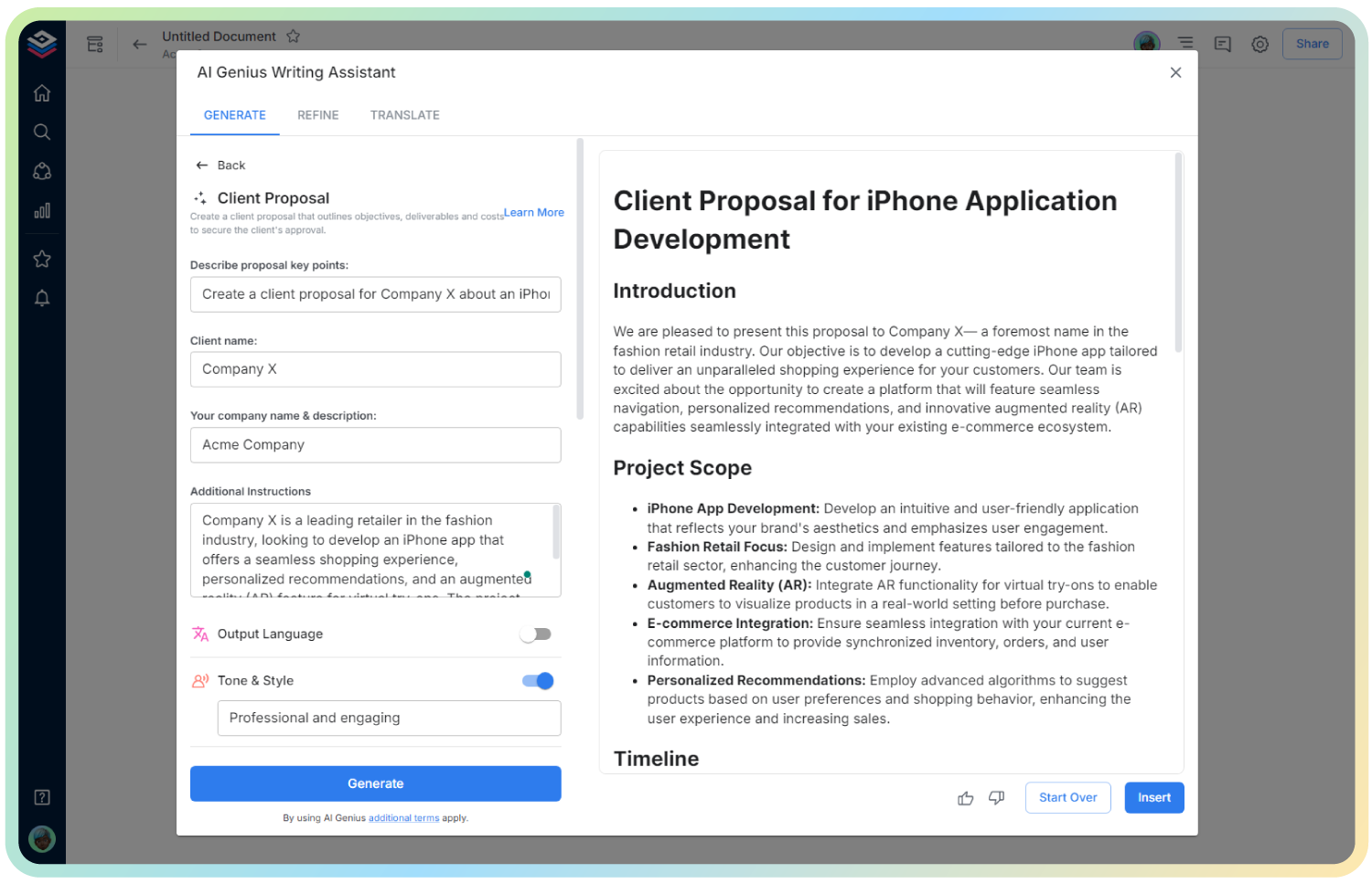
AI UX Testing Plan
Streamline Your Testing with Clear, Actionable Plans
Designing intuitive digital experiences takes more than just good instincts—it takes testing. But preparing a UX testing plan from scratch can feel overwhelming, especially when time is short and the team’s waiting.
That’s where Bit.ai’s UX Testing Plan Generator steps in. No more blank pages or confusing spreadsheets. Create professional, organized testing plans in minutes—built to keep your team aligned and your tests effective.
Let’s explore what a UX Testing Plan is, why it matters, and how Bit.ai helps you build them like a pro.
What is a UX Testing Plan?
A UX Testing Plan outlines how you’ll evaluate the usability and experience of a product. It defines the goals, participants, tasks, and methods you’ll use to uncover what works—and what doesn’t. Bit.ai’s UX Testing Plan Generator helps you organize and present this information clearly, so your research starts on the right foot.
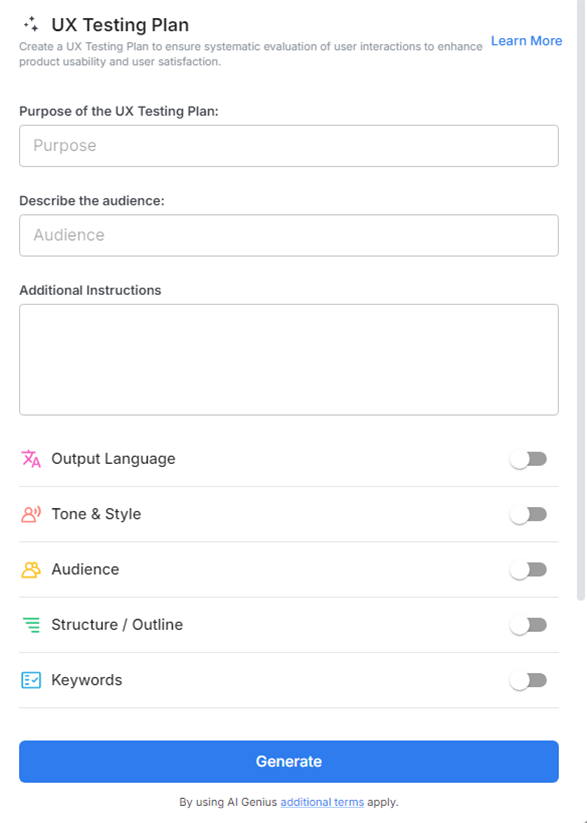
Why Use a UX Testing Plan?
- Clarity for Teams: Align researchers, designers, and stakeholders around the what, why, and how of your usability test.
- Time Efficiency: Avoid last-minute scrambles by having a clear roadmap ready before you begin testing.
- Consistent Testing: Ensure each session runs smoothly with standardized tasks and structure.
- Data You Can Trust: Plan ahead for how you’ll capture, analyze, and act on results—no detail gets missed.
- Professional Presentation: Share polished plans with clients, executives, or collaborators for full transparency and buy-in.
Why Use Bit.ai to Generate UX Testing Plans?
Bit.ai turns planning into a breeze. Whether you’re testing wireframes, prototypes, or live products, this smart tool helps you map out everything you need—without juggling multiple docs or tools.
- Ready-to-Use Templates: Get instant access to structured testing plan formats, including goals, participant profiles, tasks, success metrics, and more.
- Collaborative Setup: Work with designers, PMs, and stakeholders to define the test approach—live and in one place.
- Custom Fields: Tailor sections to your specific needs—whether you’re doing remote testing or in-person sessions.
- Embedded Instructions & Links: Add task explanations, prototype URLs, and setup guides directly into the plan.
- Shareable & Presentable: Create clean, professional docs that are easy to share, print, or present to decision-makers.
- Organized Library: Store and reuse testing plans across projects with Bit.ai’s intuitive, searchable platform.
- Consistent Branding: Ensure your testing documentation reflects your organization’s style and professionalism.
How to Use UX Testing Plan
1. Open a new document

2. Type @ on a blank line to open up the AI Writing Assistant.

3. Search Instagram Post Generator from the template search field on the left sidebar.
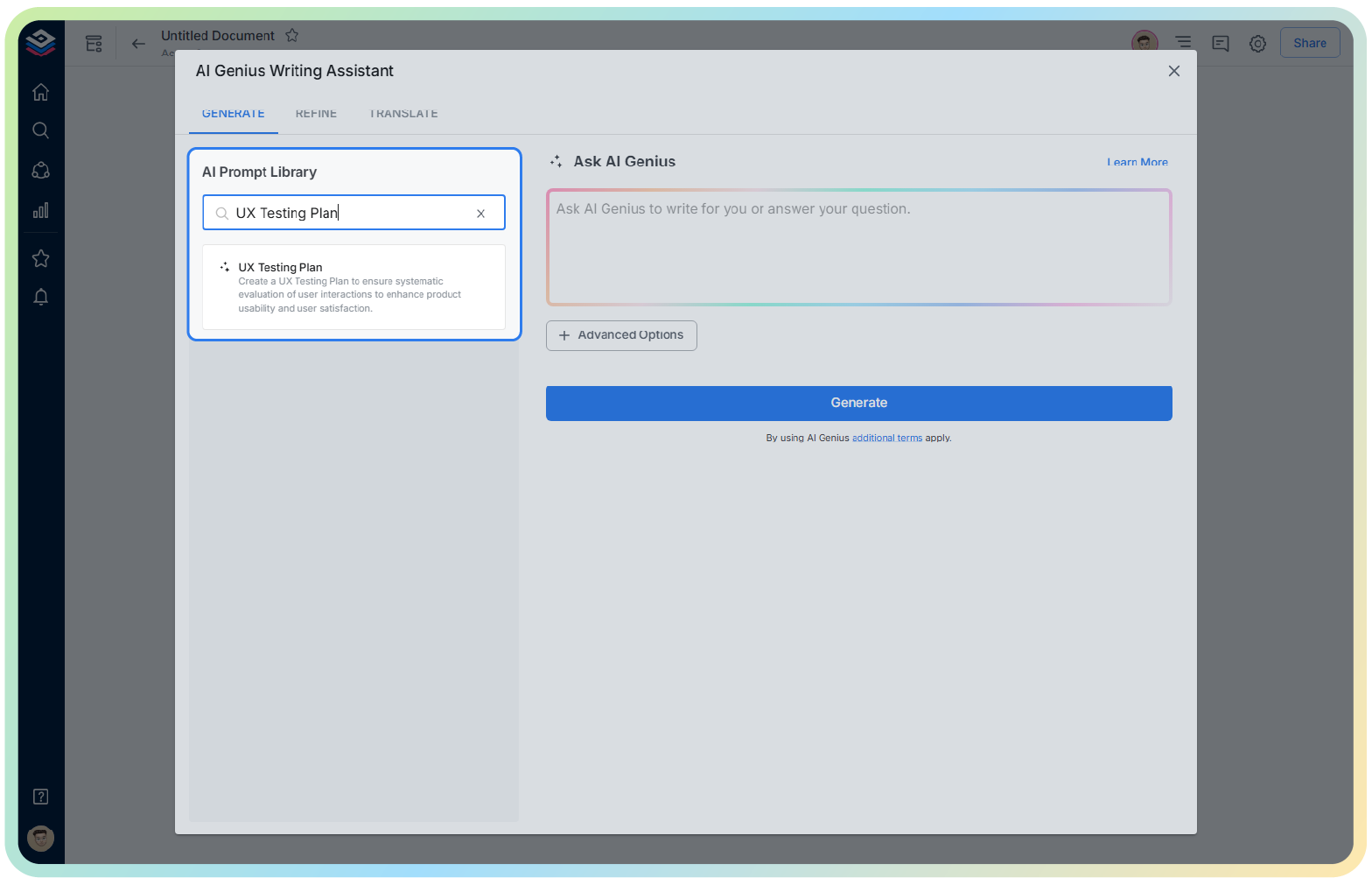
4. Fill out the quick Instagram Post Generator entry form, and Bit.ai will generate a customized post.

5. Fill in the prompts—objectives, audience, scenarios, and metrics.

6. Click ‘Insert’ to generate a complete UX Testing Plan in your Bit document.