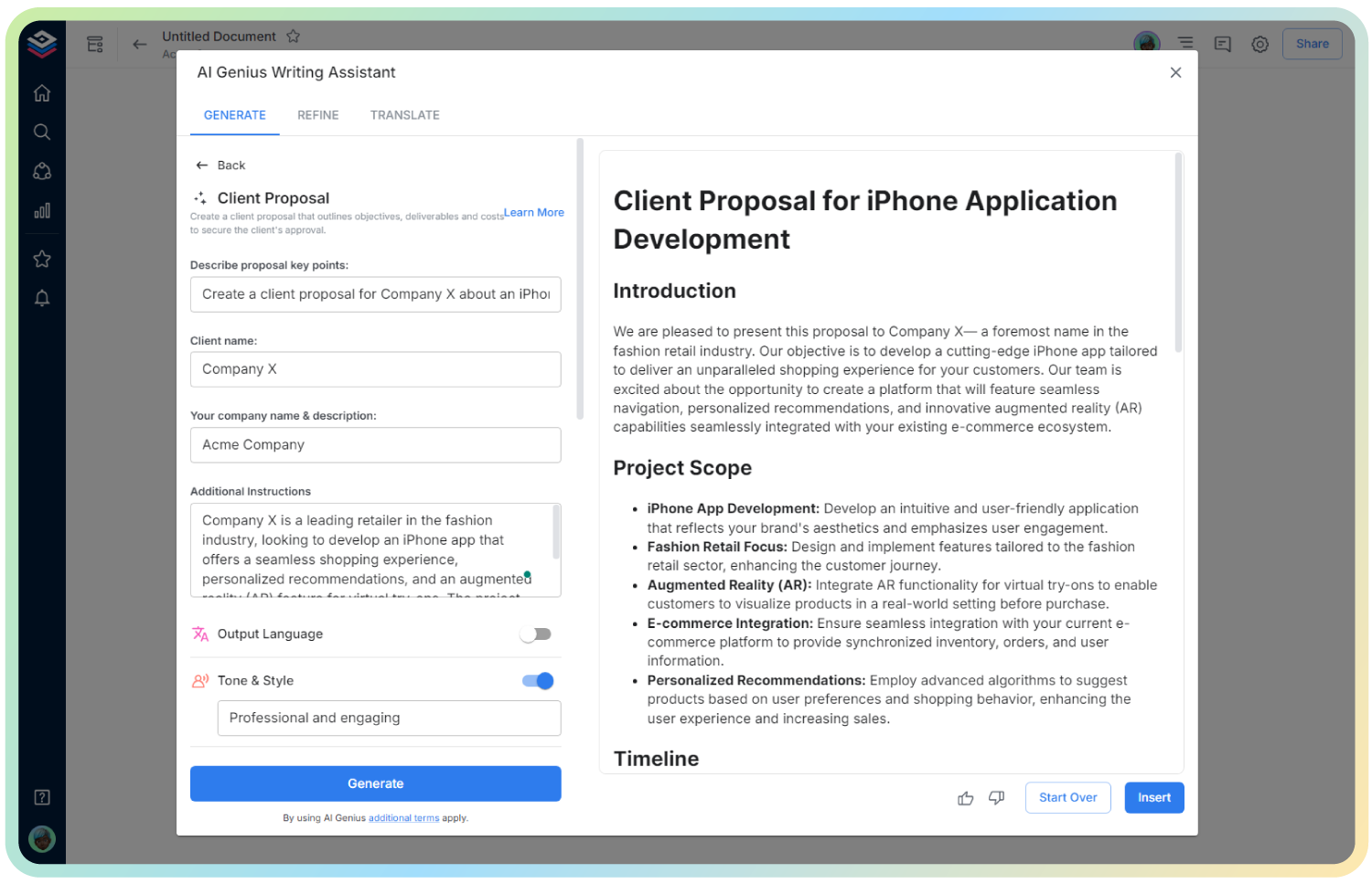
AI User Personas
Understand Your Audience. Design with Purpose.
In product development and marketing, knowing your audience isn’t just helpful—it’s essential. Without a clear picture of who you’re building for, your messaging, features, and design can easily miss the mark. That’s where user personas come in.
With Bit.ai’s User Persona document, you can create dynamic, shareable profiles that capture your target users’ goals, behaviors, needs, and challenges. It’s more than a profile—it’s your team’s secret weapon for designing human-centered experiences.
Let’s dive into what a user persona document is, why it’s indispensable, and how Bit.ai makes creating them simple and impactful.
What is a User Persona?
A User Persona is a semi-fictional, research-based representation of your ideal customer. With Bit.ai’s User Persona document, you get a flexible and visual tool that helps you define your core audience types—bringing demographic data, psychographic insights, and behavioral traits together into a single, actionable reference.
Why Use a User Persona?
- Humanize Your Audience: Turn abstract data into relatable stories so your team can design and communicate with real people in mind.
- Align Across Teams: From marketing to UX design to product development, ensure every team speaks the same language about who you’re serving.
- Guide Product Development: Personas help you prioritize features and UX decisions that genuinely matter to your users.
- Target Marketing More Effectively: Craft campaigns and content that hit home by understanding users’ pain points, goals, and habits.
- Improve Customer Retention: When you meet people where they are, they stick around—personas help you build stronger relationships from day one.\
Why Use Bit.ai to Create User Personas?
Bit.ai transforms static persona slides into living, collaborative documents. Whether you’re building personas for a startup, a SaaS company, or a nonprofit, Bit.ai lets you bring your personas to life in an engaging, easy-to-edit format.
- Rich, Visual Layouts: Embed images, videos, and links to surveys or analytics directly into the persona profile.
- Custom Fields: Add fields for goals, pain points, preferred platforms, decision-making style, and more.
- Persona Templates: Start with smart structures and simply plug in your data. No design team needed.
- Cross-Team Collaboration: Invite product, marketing, and support teams to contribute, comment, and refine the personas.
- Real-Time Editing: Update personas as you gather new data or pivot strategy—no need to rebuild from scratch.
- Organized & Searchable: Keep all personas in one place and tag them by audience segment, product line, or campaign.
How to Use User Personas
1. Open a new document

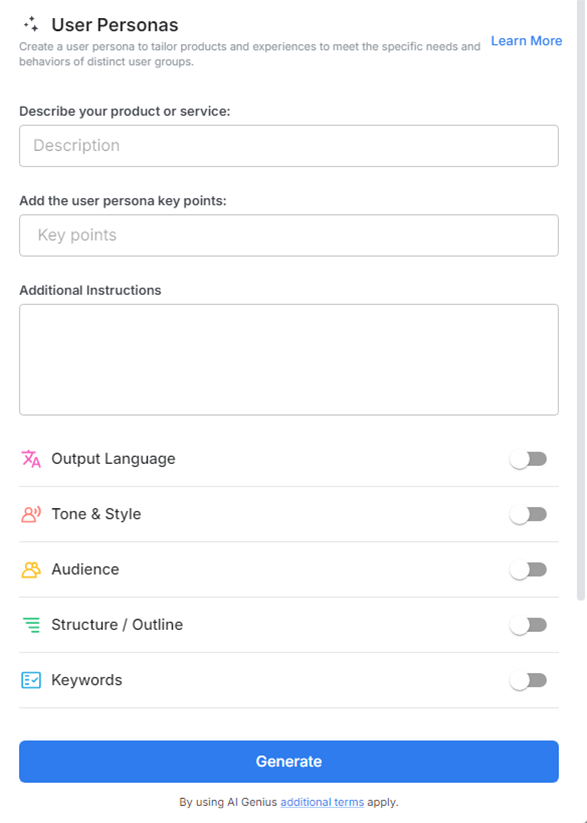
2. Type @ on a blank line to open up the AI Writing Assistant.

3. Search Instagram Post Generator from the template search field on the left sidebar.

4. Fill out the quick Instagram Post Generator entry form, and Bit.ai will generate a customized post.

5. Add media or links to real interview notes, analytics data, or user feedback to make it richer. Customize and organize personas by customer segment, region, or behavior group.

6. Click insert and share with your team or embed in planning documents or product specs.