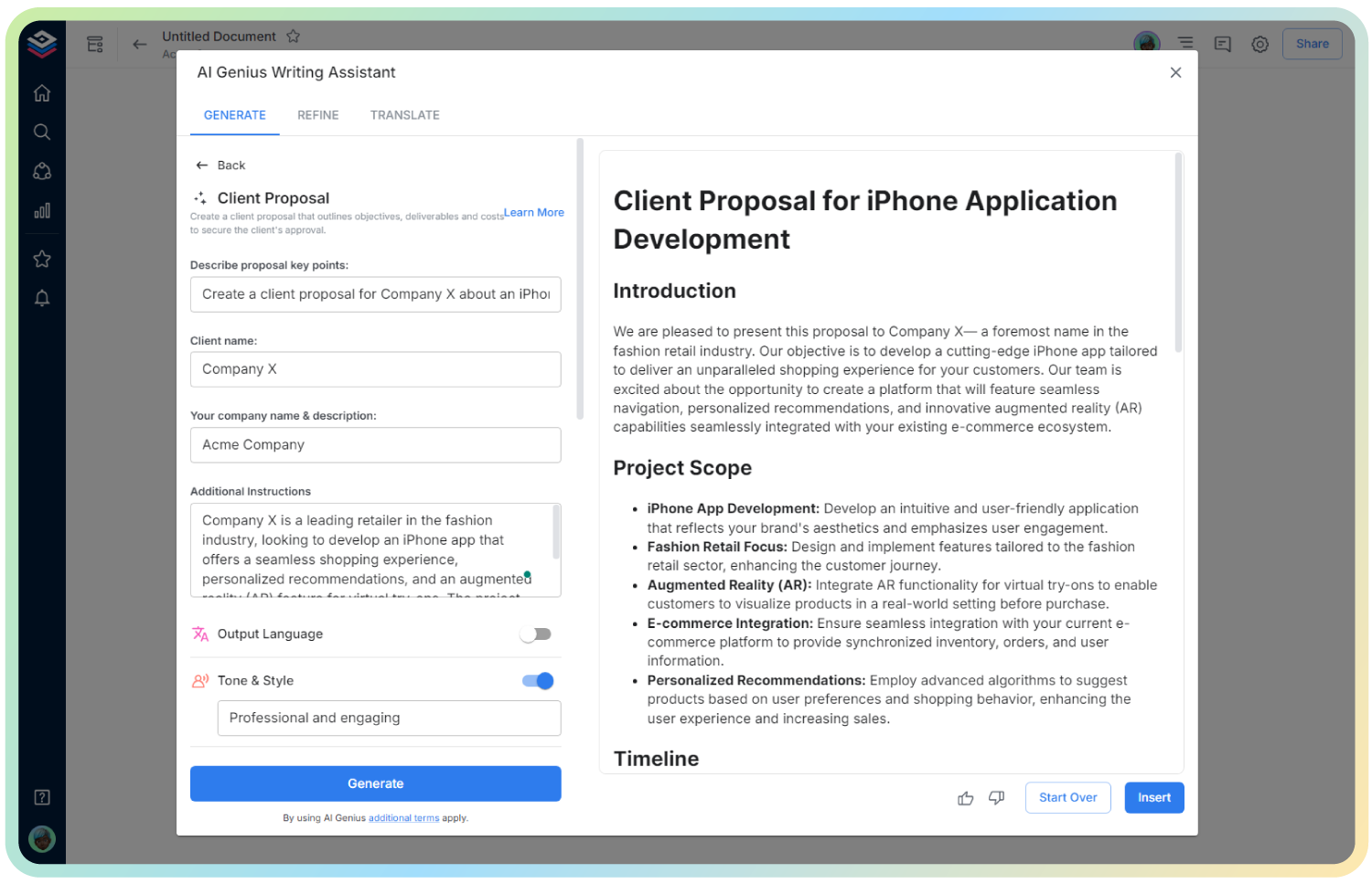
AI Typography Style Guide Generator
Define Your Brand’s Voice—One Font at a Time
Typography is more than just fonts and sizes—it’s how your brand speaks without saying a word. Whether you’re building a website, crafting a pitch deck, or publishing a blog, consistent typography makes your brand look polished, thoughtful, and trustworthy.
But starting from scratch or cobbling together font rules from different places? That’s a recipe for design chaos. Bit.ai’s Typography Style Guide Generator helps you create sleek, brand-consistent typography guides in minutes—no design degree required.
So, let’s dive into this brilliant Typography Style Guide Generator, why it’s essential for brand building, and how Bit.ai makes the whole process effortless and beautiful.
What is a Typography Style Guide?
A Typography Style Guide is like a visual rulebook for your brand’s text. It defines the fonts, sizes, weights, spacing, and usage rules so that everything—from your website to your social media posts—looks cohesive and on-brand. Bit.ai’s generator gives you a structured, customizable way to document and share these standards in one place.
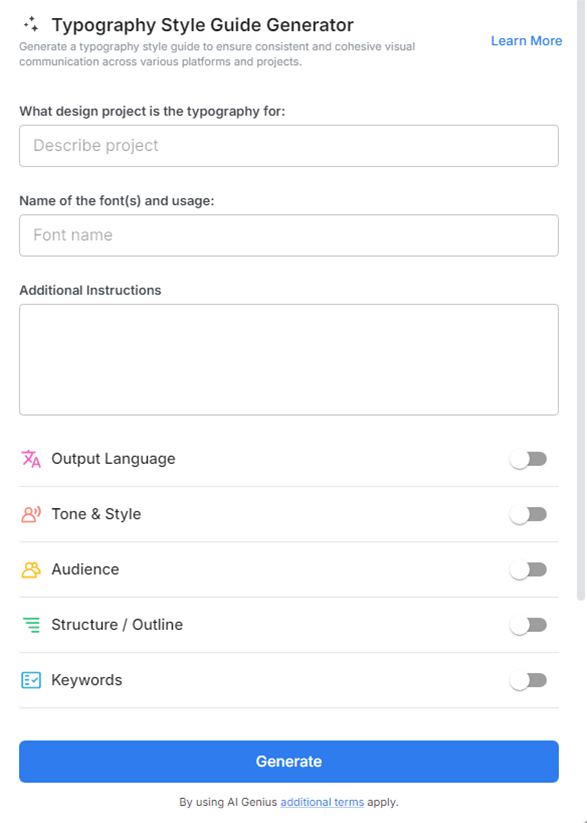
Why Use a Typography Style Guide?
- Brand Consistency: Ensure all design elements—from marketing to UI—speak in the same visual language.
- Creative Clarity: Set clear do’s and don’ts so designers, marketers, and developers all stay aligned.
- Time-Saver: Instead of reinventing the wheel every time, reuse a unified system that simplifies design decisions.
- Professional Vibes: A typography guide signals to clients, partners, and users that your brand sweats the details.
- Easy Collaboration: Let everyone—from interns to freelancers—follow the same playbook.
Why Use Bit.ai to Generate a Typography Style Guide?
Because Bit.ai transforms something technical and tedious into something intuitive and enjoyable. No messy docs. No lost files. Just smart, beautiful, and searchable brand style guides—created in minutes.
- Customizable Templates: Pick a pre-made layout and customize fonts, sizes, hierarchies, and examples with ease.
- Live Previews: See how your typography choices play together in real time—no surprises later.
- Hierarchy & Styling: Define headings (H1–H6), paragraph styles, blockquotes, and button text in one visual document.
- Real-Time Collaboration: Designers and writers can co-create, comment, and finalize together—no back-and-forth email threads.
- Centralized Brand Hub: Store your typography style guide alongside color palettes, logos, and assets in one smart workspace.
- Embed & Share: Share your style guide with a simple link or embed it on your internal wiki, brand kit, or design system.
- Visual Examples: Showcase “do’s and don’ts” for font usage, spacing, and alignment right within the doc.
How to Use Typography Style Guide Generator
1. Open a new document

2. Type @ on a blank line to open up the AI Writing Assistant.

3. Search Instagram Post Generator from the template search field on the left sidebar.
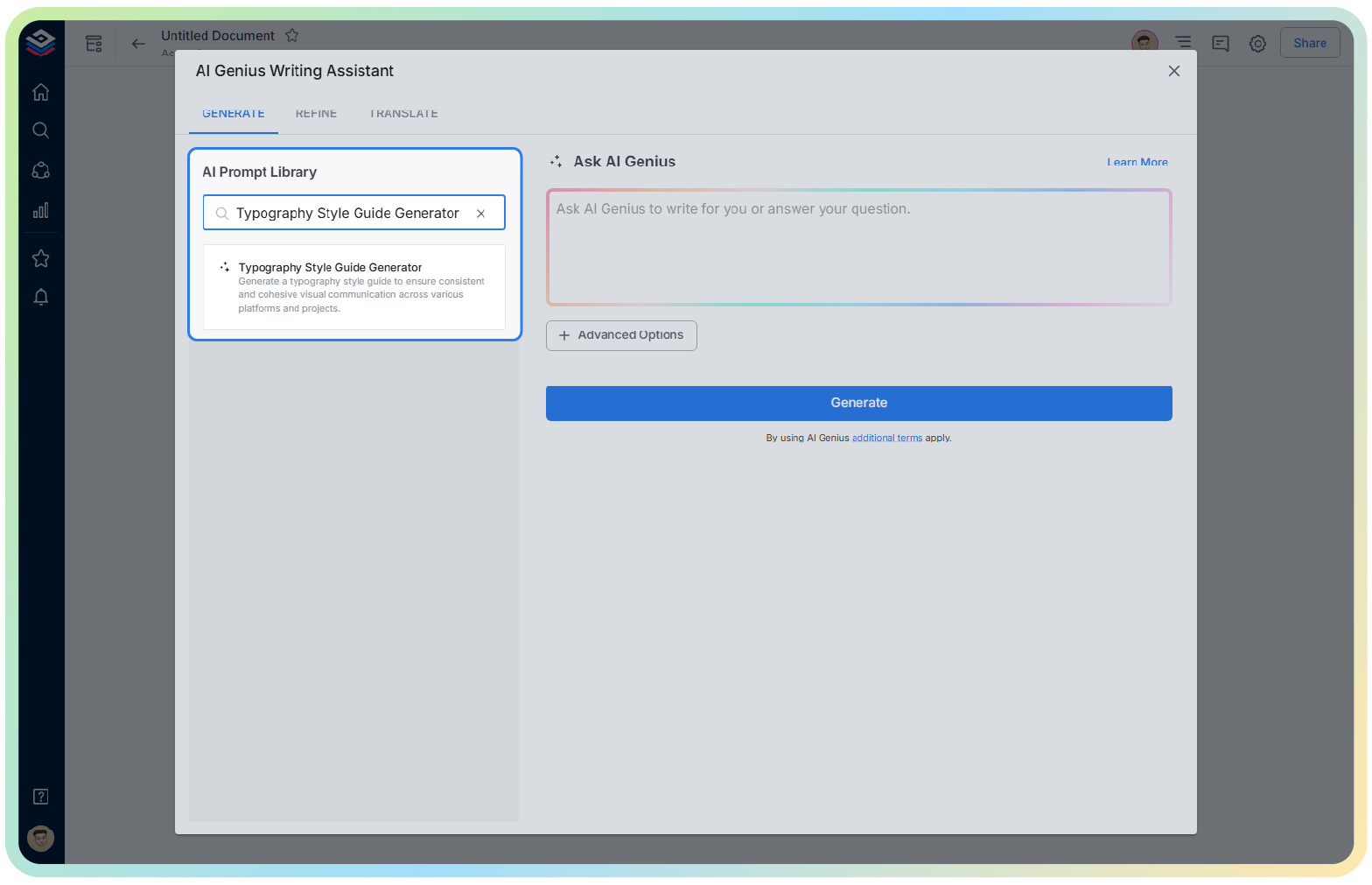
4. Fill out the quick Instagram Post Generator entry form, and Bit.ai will generate a customized post.

5. Click ‘Advanced Options’ to define line height, letter spacing, mobile styles, or accessibility notes.

6. Hit ‘Insert’ and your custom guide is placed into your Bit document—ready to be refined and shared.