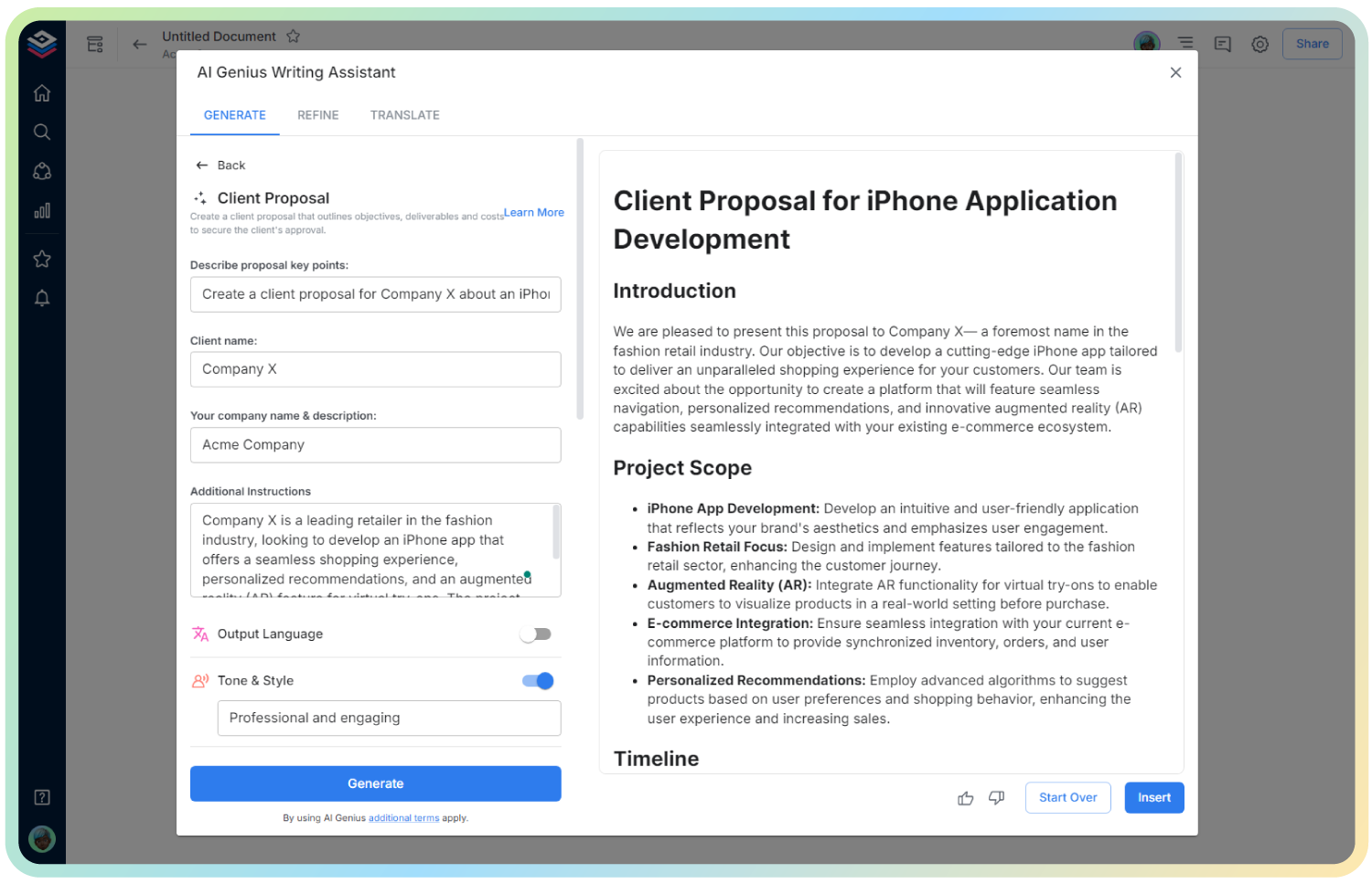
AI Terms & Conditions
Create Clear, Legally Sound Terms in Minutes
Drafting Terms & Conditions can feel daunting, especially if you’re not a legal expert. Yet, it’s a crucial document that protects your business, outlines user expectations, and builds trust.
That’s where Bit.ai’s Terms & Conditions Generator steps in! This powerful tool helps you generate professional, comprehensive, and customizable terms for websites, apps, or services—without legal jargon overload.
Let’s dive into why it’s essential, what this tool does, and how Bit.ai simplifies the process.
What is a Terms & Conditions?
A Terms & Conditions Generator is a tool that helps you create a legal agreement that outlines the rules users must agree to when using your product or service. It includes clauses for limitations of liability, user obligations, termination rights, and more.
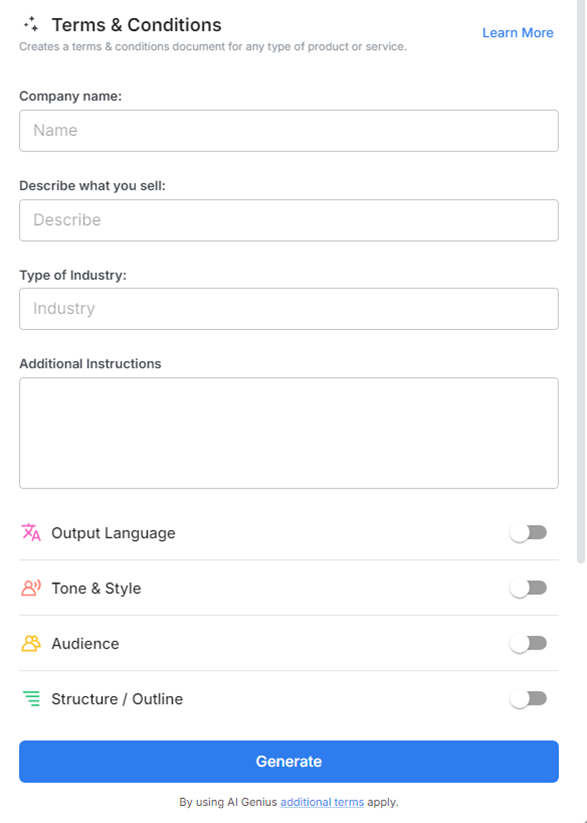
Why Use a Terms & Conditions?
- Legal Protection: Safeguard your business from misuse, liability, and disputes.
- Clarity for Users: Clearly outline what’s expected from users and what they can expect from you.
- Customization: Tailor clauses to suit your business, industry, and platform.
- Professional Format: Ensure your terms are well-structured, readable, and comprehensive.
- Compliance Ready: Include data protection, refund policies, and other legal essentials.
- Time Efficient: Skip the complex drafting process and create solid terms in minutes.
Why Use Bit.ai to Create Terms & Conditions?
Bit.ai makes drafting legal content approachable and efficient.
- Industry-Specific Templates: Generate terms for SaaS, e-commerce, apps, agencies, and more.
- Smart Clauses: Auto-generate key clauses like liability, intellectual property, and user conduct.
- Editable & Shareable: Customize and share terms with legal teams or co-founders.
- Live Collaboration: Work on the document with teammates in real time.
- Auto-Organized: Keep all your legal docs, policies, and agreements neatly in one place.
- Embed-Ready: Copy and paste or embed the final terms into your site or product.
How to Use Bit’s Terms & Conditions
1. Open a new document in Bit.ai.

2. Type @ on a blank line to open up the AI Writing Assistant.

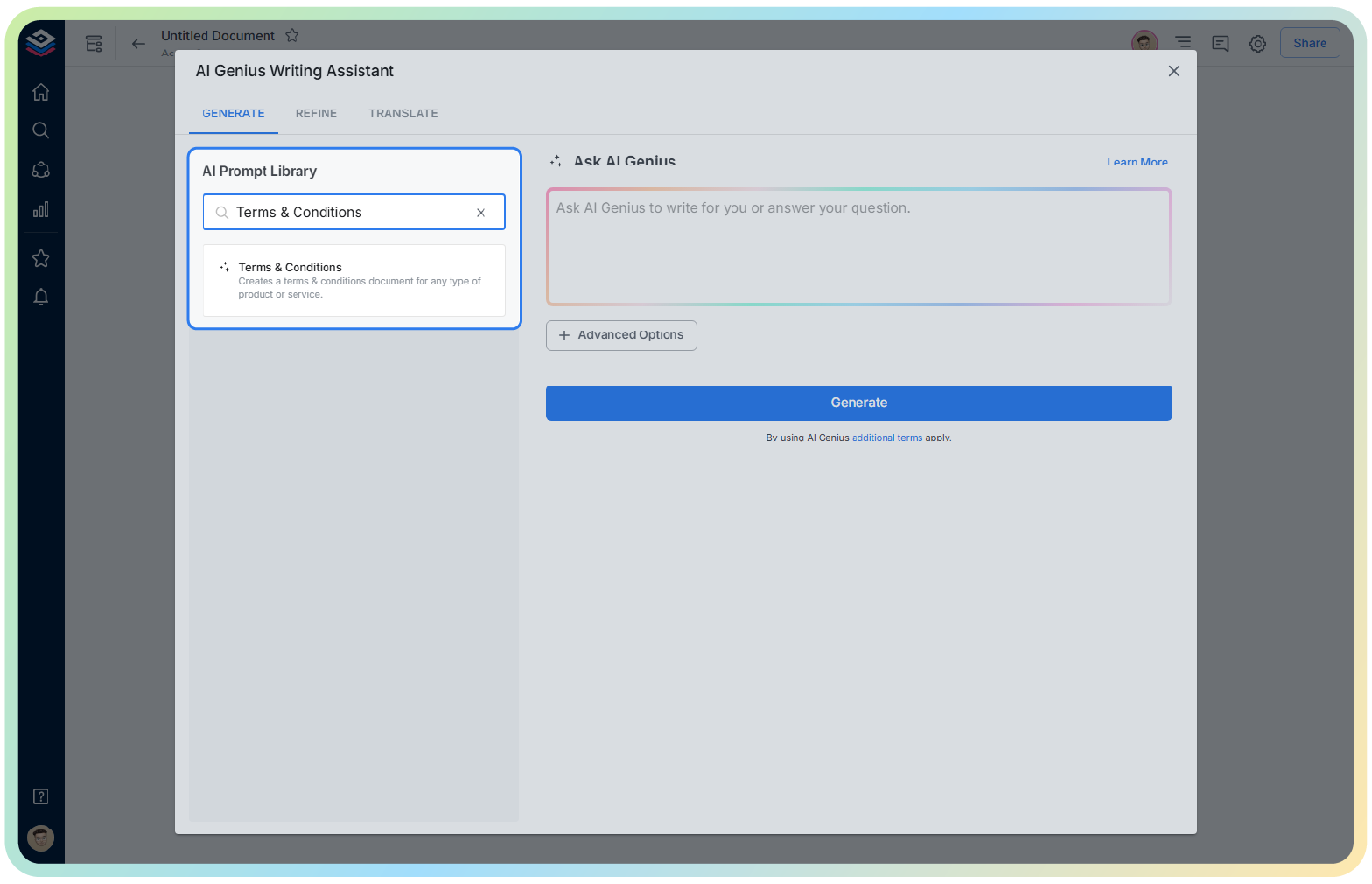
4. Fill out the quick Instagram Post Generator entry form, and Bit.ai will generate a customized post.

5. Fill in your business details, product description, and policies. Use advanced settings to adjust tone and clause depth.

6. Once you’re happy with the content, click ‘Insert,’ and the Terms & Conditions will be added directly into your Bit document for final review or sharing.