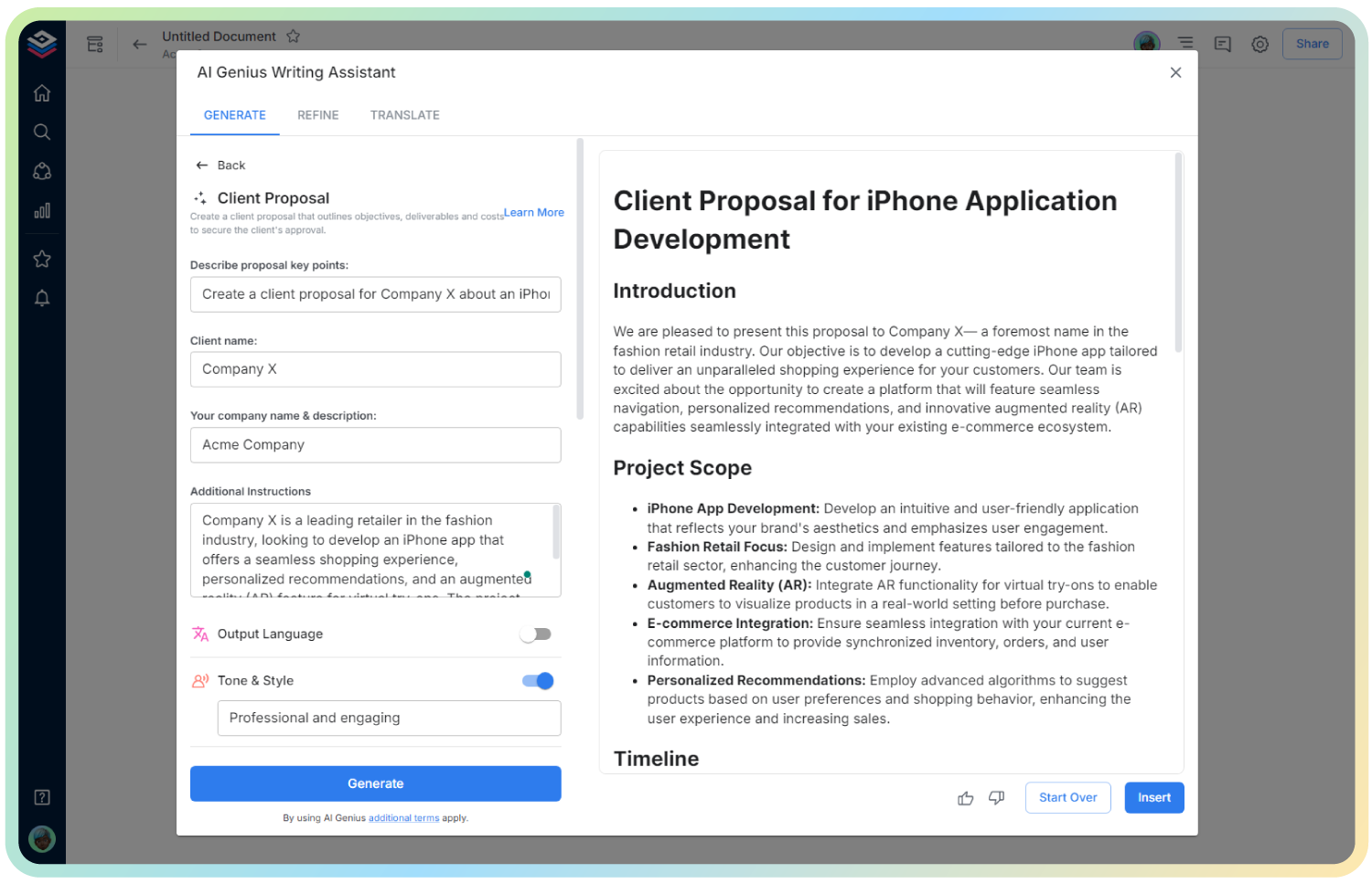
AI Software Requirements Specification
Define Project Scope, Features & Functionalities with Clarity
A well-structured Software Requirements Specification (SRS) is the foundation of successful software development. It aligns stakeholders, outlines features, and prevents misunderstandings during development. But creating a detailed SRS from scratch can be time-consuming.
That’s where Bit’s SRS Generator comes in! It helps you draft clear, organized, and comprehensive software specifications without missing critical details—making collaboration seamless across technical and non-technical teams.
Let’s explore what an SRS is, why it’s essential, and how Bit.ai makes the process effortless!
What is a Software Requirements Specification (SRS)?
An SRS is a formal document that describes the software system to be developed. It outlines functional and non-functional requirements, user interactions, technical specifications, and project constraints. It acts as a blueprint for developers, designers, testers, and stakeholders.
Why Use a Software Requirements Specification (SRS)?
- Clear Communication: Align stakeholders and teams on project scope and goals.
- Detailed Documentation: Capture all system behaviors, constraints, and interfaces.
- Risk Reduction: Identify potential issues early and reduce costly revisions later.
- Developer Guidance: Provide developers with a clear roadmap for building the product.
- Improved Testing: Help QA teams create accurate test cases and validate requirements.
- Project Tracking: Use it as a reference document throughout the project lifecycle.
Why Use Bit.ai to Generate a Software Requirements Specification?
Bit.ai provides a dynamic, easy-to-edit workspace for building your SRS collaboratively and efficiently.
- Pre-Built Templates: Get a ready-to-use SRS framework with all key sections included.
- AI Writing Assistant: Draft functional, technical, and user requirements with AI support.
- Real-Time Collaboration: Work with your product, dev, and QA teams in real time.
- Rich Media Integration: Embed diagrams, wireframes, flowcharts, and reference documents directly into your spec.
- Version Control: Keep track of document updates and revisions with ease.
- Easy Sharing & Export: Share with stakeholders via link or export as PDF for formal review.
How to Use Bit’s Software Requirements Specification
1. Open a new document in Bit.ai.

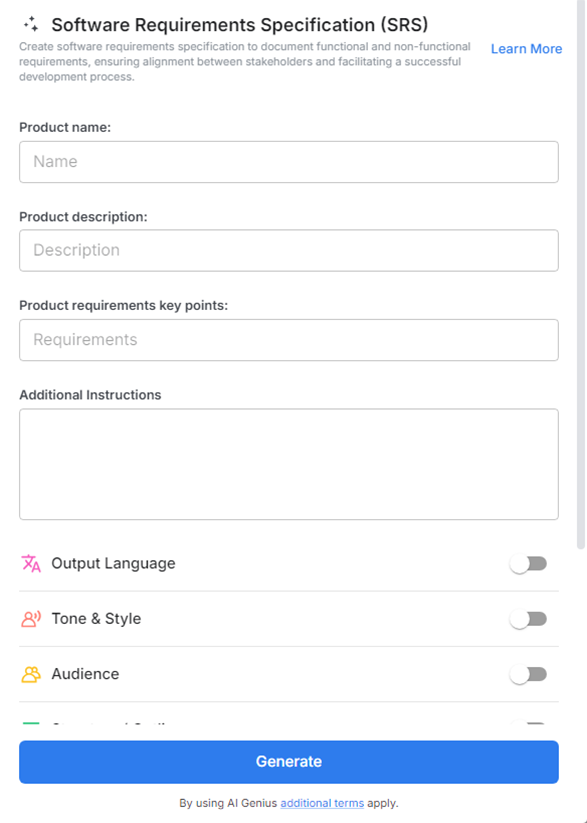
2. Type @ on a blank line to open up the AI Writing Assistant.

%20Step%203.png)
4. Fill out the quick Instagram Post Generator entry form, and Bit.ai will generate a customized post.

5. Fill in the key sections: introduction, functional requirements, system features, assumptions, constraints, and interface descriptions. Use advanced options to add diagrams or embed assets.

6. Once you’re happy with the content, click ‘Insert,’ and your SRS will be added directly into your Bit document for collaboration and final review.