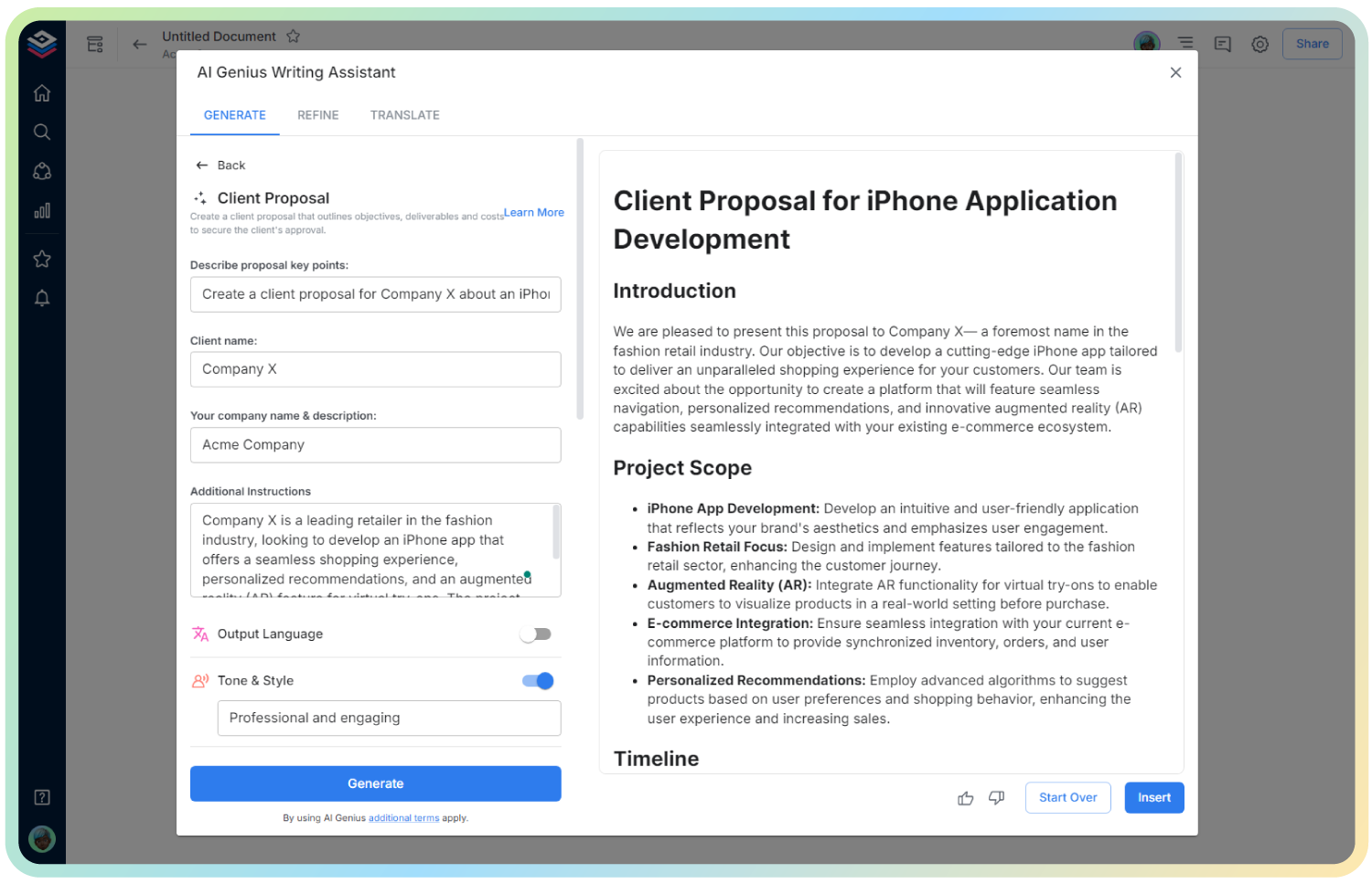
AI Homework Assignment
Structured, Smart, and Student-Friendly Assignments
Creating homework assignments that are clear, engaging, and aligned with learning goals can feel overwhelming—especially when juggling multiple classes or subjects. But what if generating professional-looking assignments became effortless?
Enter Bit.ai’s Homework Assignment Generator—a powerful tool that helps educators create comprehensive, organized, and customized assignments in minutes.
Let’s dive into how this tool works, why it’s a lifesaver for teachers, and how Bit.ai transforms lesson planning into an efficient, creative process.
What is a Homework Assignment?
A Homework Assignment Generator helps teachers and educators draft structured, subject-specific assignments with clear objectives, grading criteria, and due dates—ready for print or digital sharing.
Why Use a Homework Assignment Generator?
- Time-Saving: Quickly generate formatted assignments so you can focus on teaching, not formatting.
- Aligned with Learning Goals: Ensure every task links to curriculum standards or class objectives.
- Consistent Format: Keep assignment structure uniform across grades, subjects, or classes.
- Student-Friendly Design: Clear instructions and logical flow reduce confusion and increase task completion.
- Easy to Share & Store: Send as PDFs, share links, or embed in LMS platforms with ease.
Why Use Bit.ai to Generate Homework Assignments?
Bit.ai simplifies and elevates the assignment-writing experience—whether you’re creating a math worksheet or a literature analysis task.
- Subject-Specific Templates: Choose from pre-made formats for science, history, math, ELA, and more.
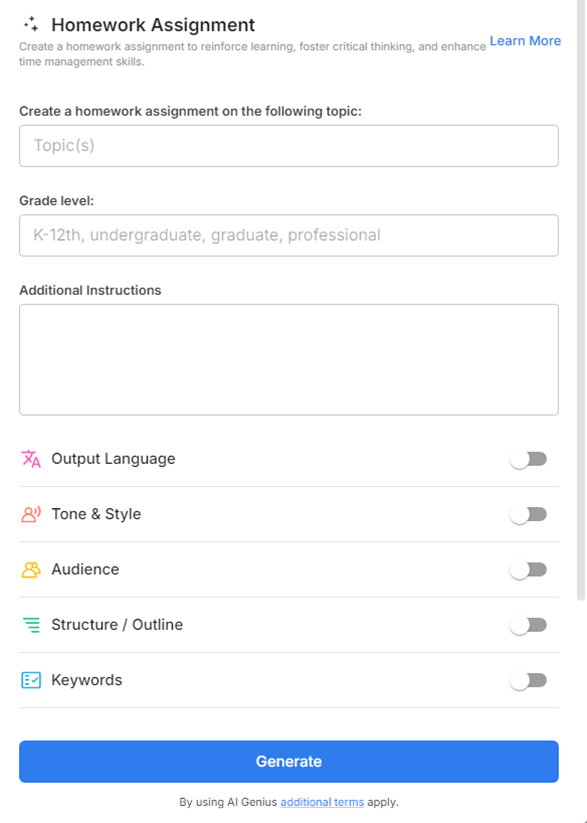
- Customizable Fields: Add instructions, estimated time, points, references, and due dates.
- Collaborative Editing: Work with fellow teachers or teaching assistants to co-create and review content.
- Multimedia Embeds: Link to videos, readings, or documents directly in the assignment.
- Student Version Ready: Automatically formats for student-facing clarity.
- Organized Archive: Store all your assignments by unit, semester, or subject in one central dashboard.
How to Use Homework Assignment
1. Open a new document

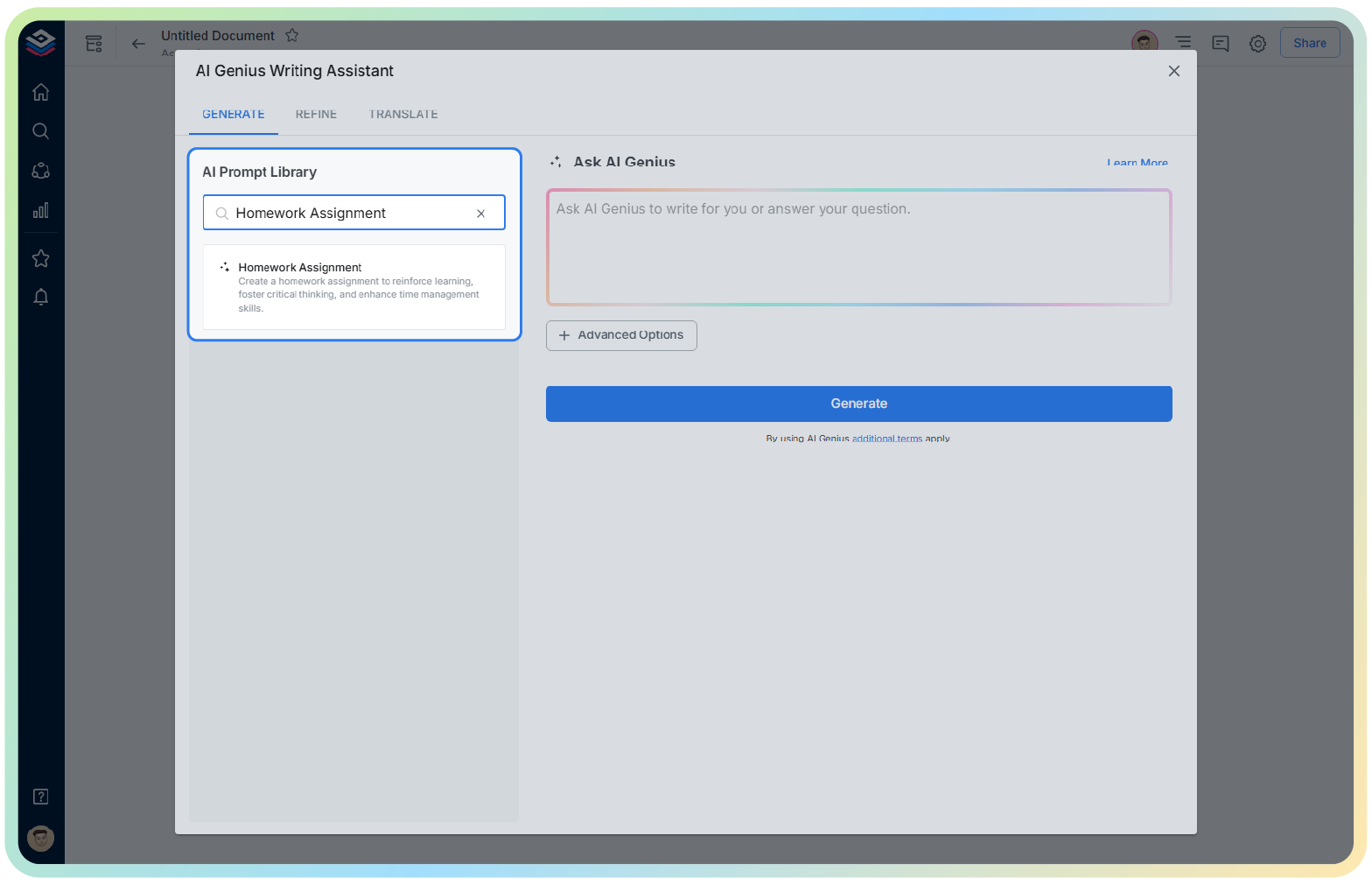
2. Type @ on a blank line to open up the AI Writing Assistant.

3. Search Instagram Post Generator from the template search field on the left sidebar.
4. Fill out the quick Instagram Post Generator entry form, and Bit.ai will generate a customized post.

5. Click ‘Generate’—Bit will populate a clean, student-ready assignment layout.

6. Personalize it further, then click ‘Insert’ to add it to your Bit document.