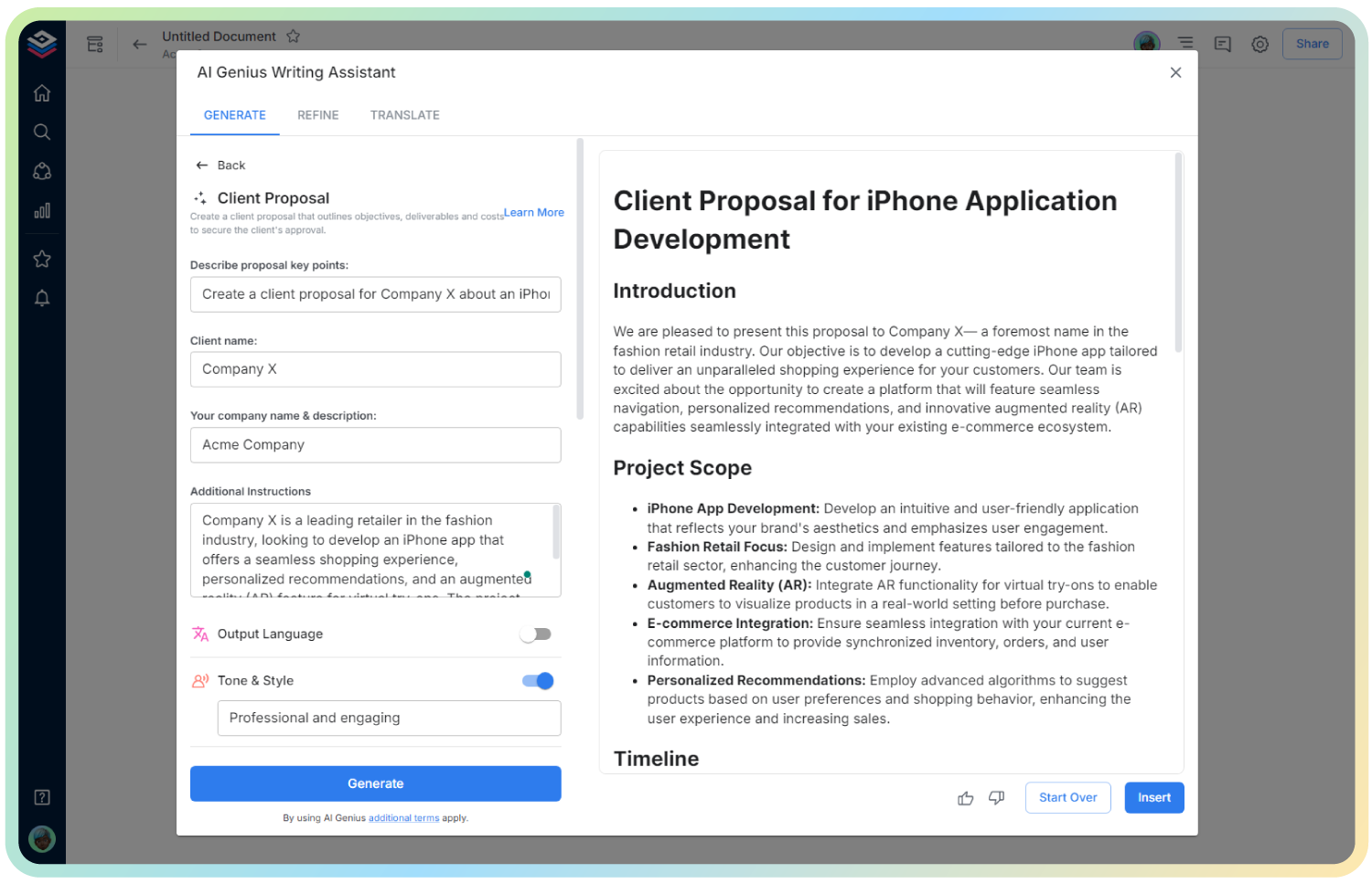
AI Employee Handbook Acknowledgement Form
Ensure Clarity, Compliance & Company Alignment—Seamlessly
When it comes to onboarding and HR documentation, few things are as essential—and overlooked—as the employee handbook acknowledgement. It’s more than just a signature; it’s a vital step in setting expectations, avoiding legal hiccups, and establishing company culture from day one.
Still using outdated forms or chasing signatures across email threads? With Bit.ai’s Employee Handbook Acknowledgement Form Generator, you can create professional, compliant forms in minutes—organized, trackable, and ready to go.
Let’s explore why this tool matters, how it works, and why Bit.ai is your best bet for getting it done right the first time.
What is an Employee Handbook Acknowledgement Form?
It’s your HR assistant in digital form—an AI-powered tool that helps you create customized acknowledgement forms employees can easily read, sign, and return. No legalese confusion. No missed checkboxes. Just a simple, trackable way to confirm your employees have received—and understood—your company handbook.
Why Use an Employee Handbook Acknowledgement Form?
- Legal Protection: Demonstrates that your company communicated policies clearly, helping you stay protected in case of disputes.
- Employee Accountability: Ensures employees know and understand expectations around conduct, ethics, policies, and procedures.
- Seamless Onboarding: Makes it easier to integrate this crucial step into your onboarding process without extra admin.
- Paperless Process: Forget printing, signing, scanning—Bit.ai keeps everything clean, digital, and stored securely.
- Clear Communication: Reinforces a transparent workplace culture by clarifying rules from day one.
Why Use Bit.ai to Generate Acknowledgement Forms?
Bit.ai makes acknowledgement forms more than a formality. This smart tool helps you produce polished, clear, and legally sound documents that align with your company values and processes.
- Ready-to-Use Templates: Generate acknowledgement forms in seconds with editable templates tailored to your company’s tone and policies.
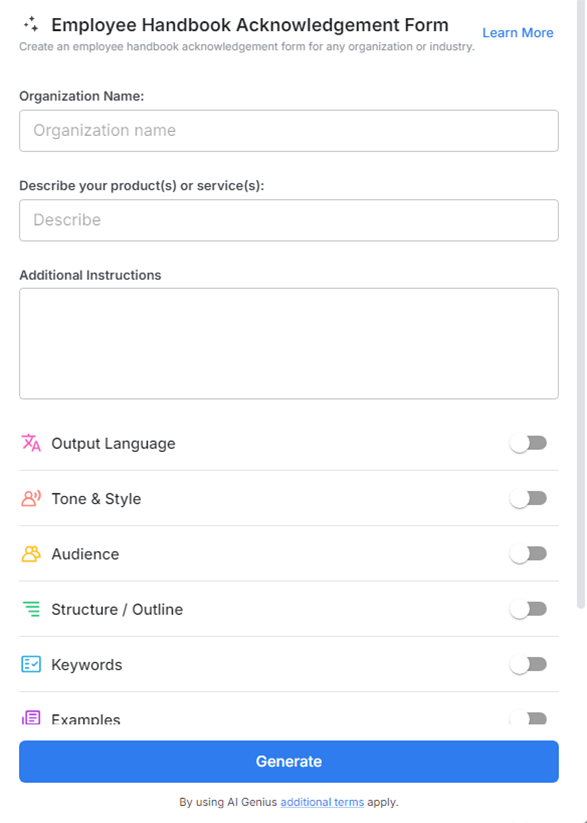
- Custom Fields & Formatting: Insert key fields like employee name, start date, manager info, and policy highlights.
- Easy e-Signature Options: Integrate signature sections seamlessly so employees can acknowledge directly within the Bit document.
- Brand Consistency: Use your logo, fonts, and colors to reflect your internal branding and give it a professional edge.
- Trackable & Searchable: Keep all signed forms organized in one place, with timestamps and version history for added clarity.
- Collaboration Ready: HR teams can review, edit, and finalize forms together—no email chains or duplicate drafts.
How to Use Employee Handbook Acknowledgement Form
1. Open a new document

2. Type @ on a blank line to open up the AI Writing Assistant.

3. Search Instagram Post Generator from the template search field on the left sidebar.
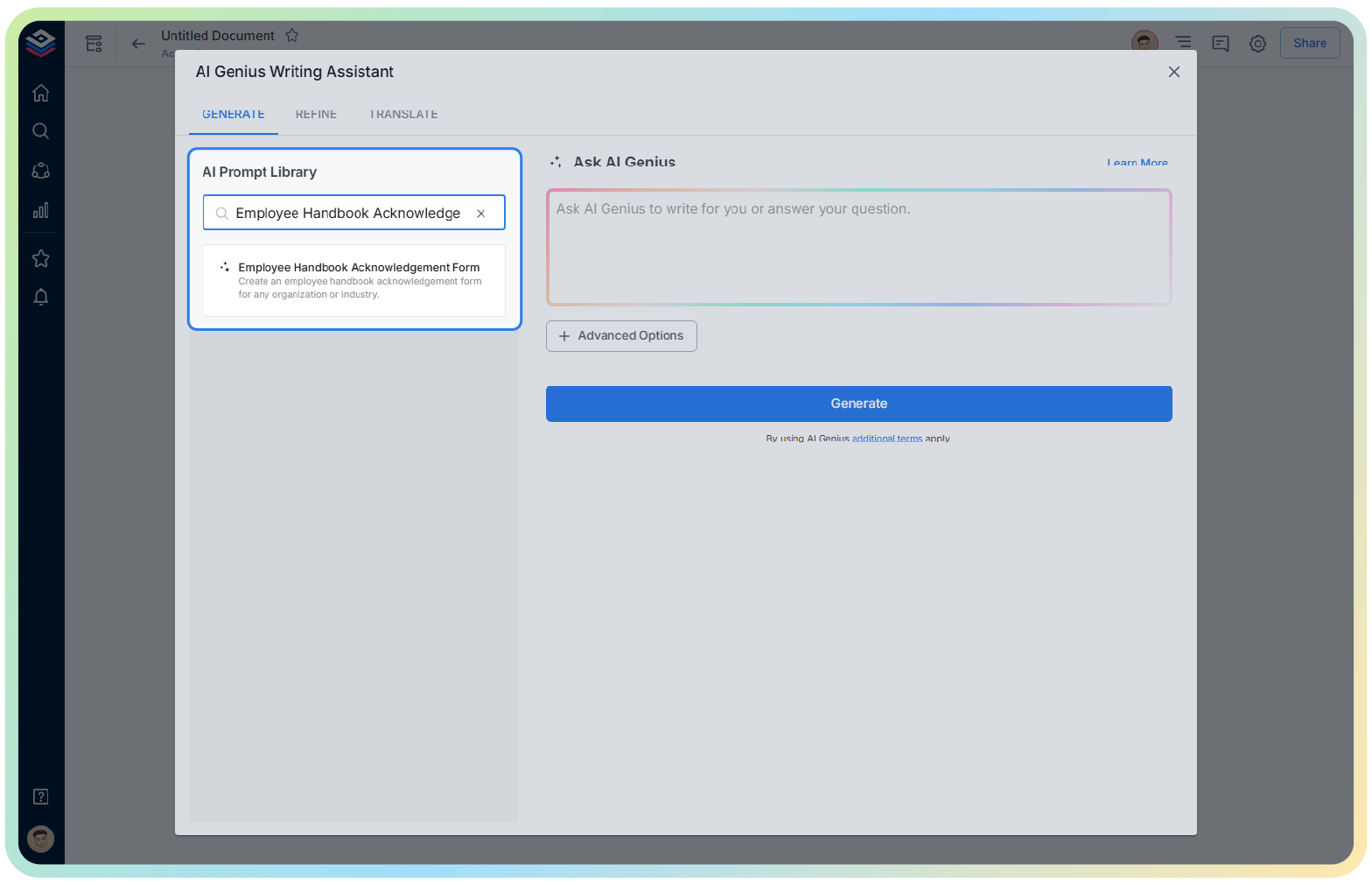
4. Fill out the quick Instagram Post Generator entry form, and Bit.ai will generate a customized post.

5. Use ‘Advanced Options’ to modify tone, include policy highlights, or add internal notes.

6. Once complete, click ‘Insert’ to add it into your Bit document, then share it for e-signature or employee acknowledgment.