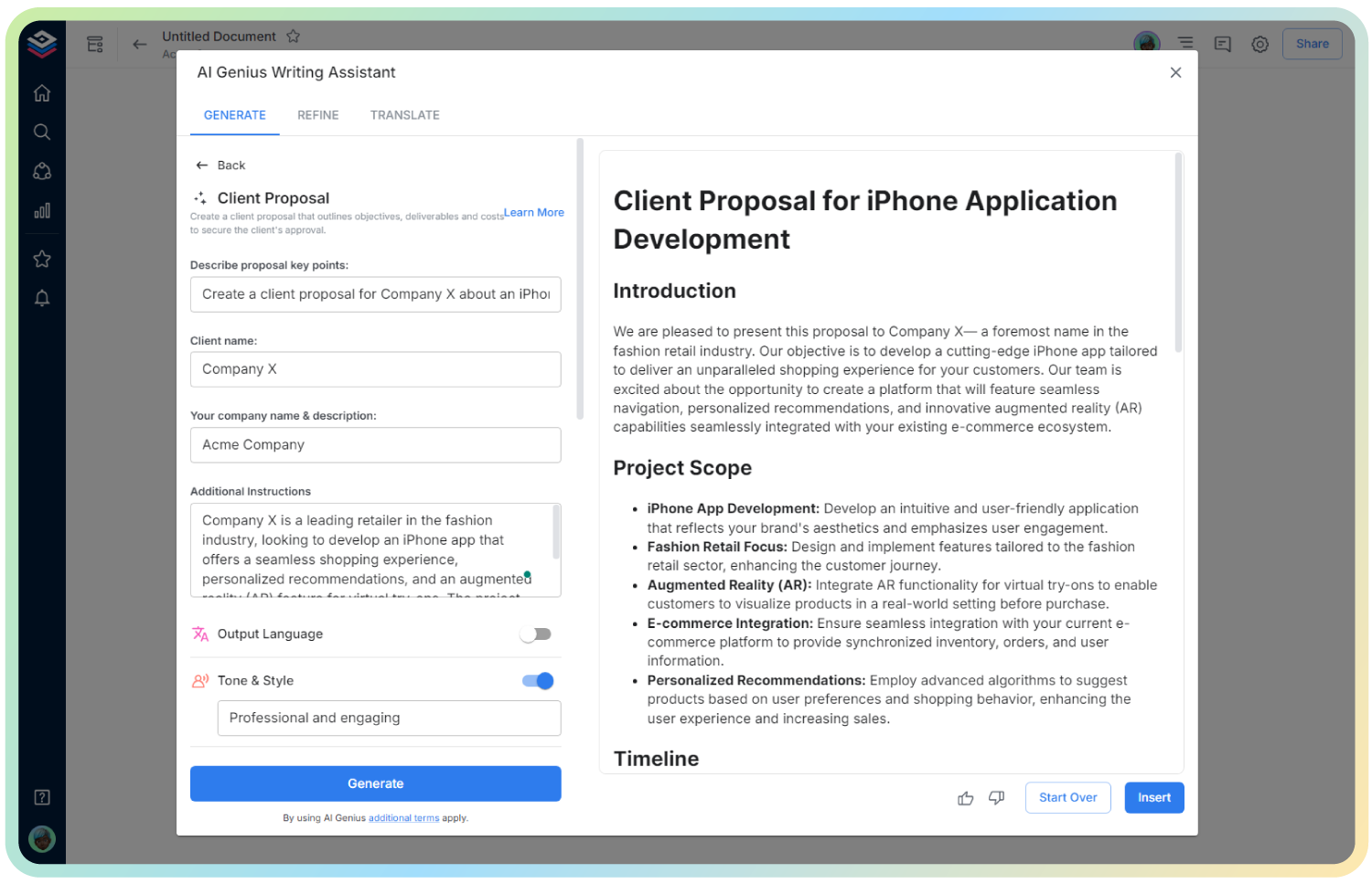
AI Webinar Plan Generator
Create Webinars That Captivate & Convert!
Imagine a tool that not only helps you design every detail of a webinar but ensures your audience stays engaged and walks away with value. Bit.ai’s Webinar Plan Generator is here to help you create a seamless, captivating, and professional webinar experience from start to finish. Whether you’re educating clients, launching a new product, or hosting industry experts, Bit.ai’s tool empowers you to craft webinars that drive results and leave lasting impressions.
Ready to build impactful webinars that inspire action? Here’s why Bit.ai is the ultimate partner for your webinar planning needs!
What is the Webinar Plan Generator?
Bit.ai’s Webinar Plan Generator is an all-in-one solution for planning, organizing, and executing webinars. From creating a well-thought-out agenda to designing audience interactions, this tool helps you organize each phase of your webinar with ease. It’s perfect for companies, educators, and marketers looking to engage their audience, increase brand authority, or generate leads. With Bit.ai, every webinar is strategically crafted and flawlessly executed.
Why Use a Webinar Plan Generator?
- Saves Time & Effort: Eliminate the hassle of juggling different planning tools, keeping all your materials in one place.
- Ensures Engagement: Design interactive elements and thoughtful content that captivates and involves your audience.
- Boosts Professionalism: Create a streamlined experience that reflects your brand’s quality and attention to detail.
- Enhances Conversion: A well-planned webinar can help you turn attendees into clients, customers, or dedicated followers.
- Drives Results: From lead generation to brand awareness, an effective webinar helps achieve your marketing and business goals.
Why Use Bit.ai for Webinar Planning?
Bit.ai’s Webinar Plan Generator offers unique features specifically crafted for organizing successful webinars, making it the perfect tool to bring your ideas to life and capture your audience’s attention. Here’s why Bit.ai stands out:
- Built-In Templates: Start with a webinar template, pre-organized with sections for goals, agenda, content, and audience engagement tactics.
- Content Richness: Incorporate multimedia elements like videos, infographics, and slides to enrich your presentation and make it more dynamic.
- Collaboration Ready: Share your webinar plan with team members, allowing for real-time input and collaborative content creation.
- Audience Engagement Tools: Plan out interactive elements such as polls, Q&A sessions, and follow-up strategies to keep attendees engaged.
- Detailed Agenda Organization: Structure your content flow with a detailed agenda that helps you stay on track and keep your audience focused.
- Follow-Up Strategy: Design a post-webinar strategy for lead nurturing and audience follow-up, helping you turn attendees into loyal supporters.
How to Use Bit.ai’s Webinar Plan Generator
1. Open a new document in Bit.ai.

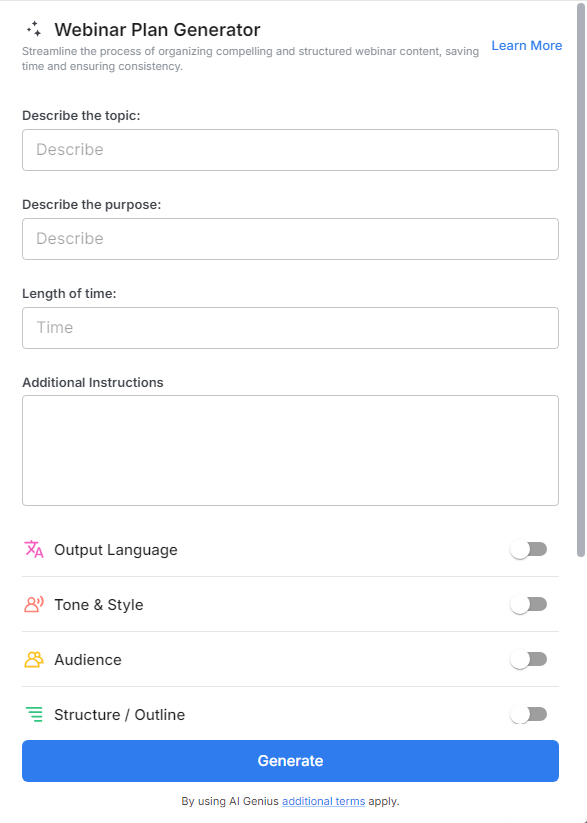
2. Type @ on a blank line to open up the AI Writing Assistant.


4. Fill out the quick Instagram Post Generator entry form, and Bit.ai will generate a customized post.

5. Personalize it by clicking on 'Advanced Options' to add your unique voice or tweak the style to match your brand.

6. Once you're done, click 'Insert,' and it'll be added to your Bit document.