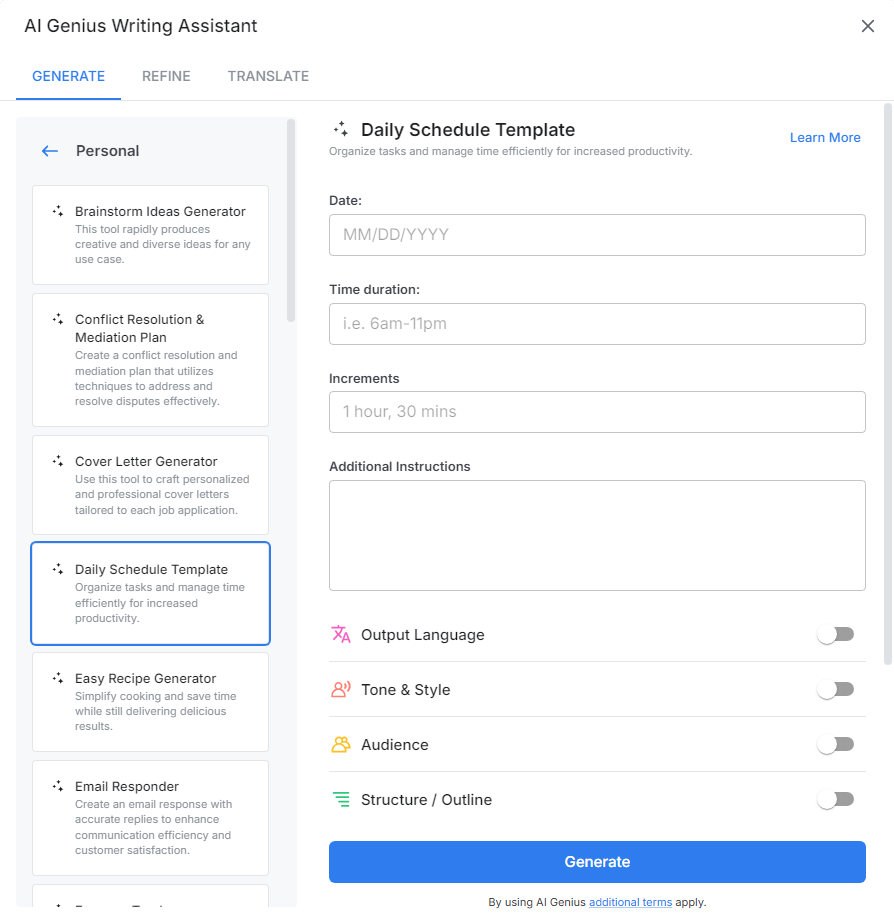
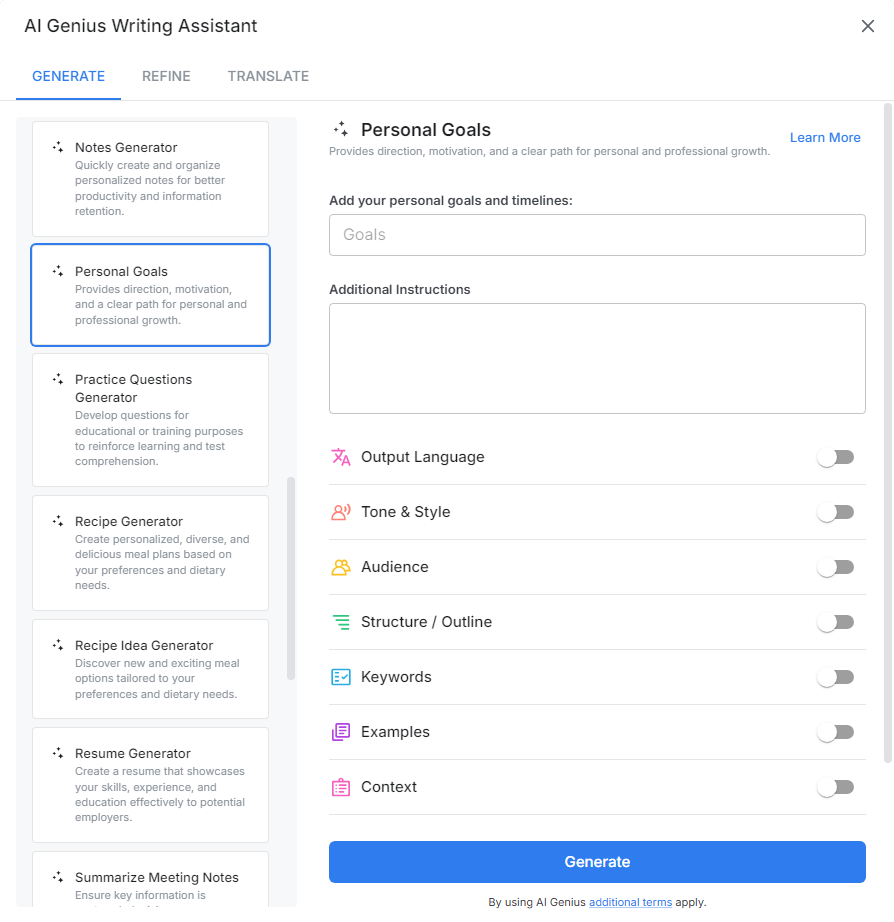
AI To-Do List Generator
Turn Your Goals Into an Organized, Actionable To-Do List
Keeping track of everything you need to accomplish can quickly become overwhelming. Between work assignments, personal errands, projects, and deadlines, it’s easy to lose sight of what needs to happen next.
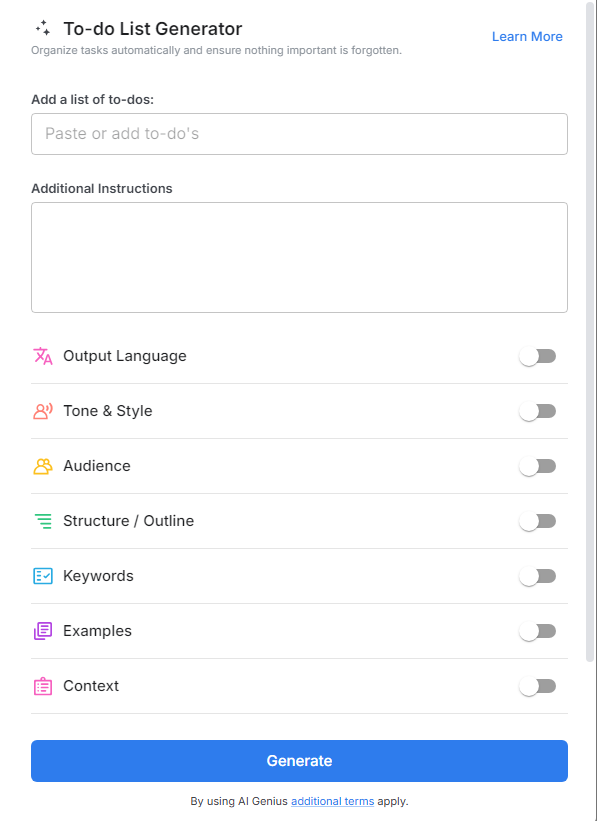
The AI To-Do List Generator helps you turn your goals, responsibilities, and ideas into a clear, organized list of actionable tasks. Instead of spending time figuring out where to start, you can use AI to structure your workload and create a practical plan for getting things done.
Ready to take control of your day? Get started with the AI To-Do List Generator.
What Is an AI To-Do List Generator?
An AI To-Do List Generator is a tool that uses artificial intelligence to create organized task lists based on the information you provide. You can enter a goal, project, deadline, or set of responsibilities, and the AI can turn it into a structured list of tasks and actionable steps.
Whether you're planning your workday, organizing a project, preparing for an exam, or managing personal responsibilities, an AI-generated to-do list can help you break down what needs to be done and create a clearer path forward.
Why Use an AI To-Do List Generator?
- Get Instant Clarity: Turn scattered ideas, responsibilities, or goals into a structured list of tasks.
- Break Down Big Goals: Divide complex projects into smaller, actionable steps that are easier to manage.
- Prioritize Your Work: Organize tasks based on urgency, importance, or the order in which they need to be completed.
- Save Planning Time: Create a useful starting point in seconds instead of building every task list from scratch.
- Stay Focused: Keep your attention on the next actionable task instead of trying to remember everything at once.
Key Features of the AI To-Do List Generator
- Goal-Based Task Creation: Provide a goal or objective and generate relevant tasks to help you work toward it.
- Task Breakdown: Turn larger projects and responsibilities into smaller, manageable actions.
- Priority-Based Organization: Structure tasks around what needs to be completed first or what matters most.
- Customizable Lists: Adjust tasks, add new items, remove unnecessary steps, or reorganize the list to fit your workflow.
- Daily, Weekly, or Project Planning: Create task lists for different types of planning, from everyday responsibilities to larger projects.
- Actionable Steps: Generate specific tasks that make it easier to move from planning to execution.
How to Use Bit.ai's To-Do List Generator
1. Open a new document in Bit.ai.

2. Type @ on a blank line to open the AI Writing Assistant.

3. Search for "To-Do List" in the search field.
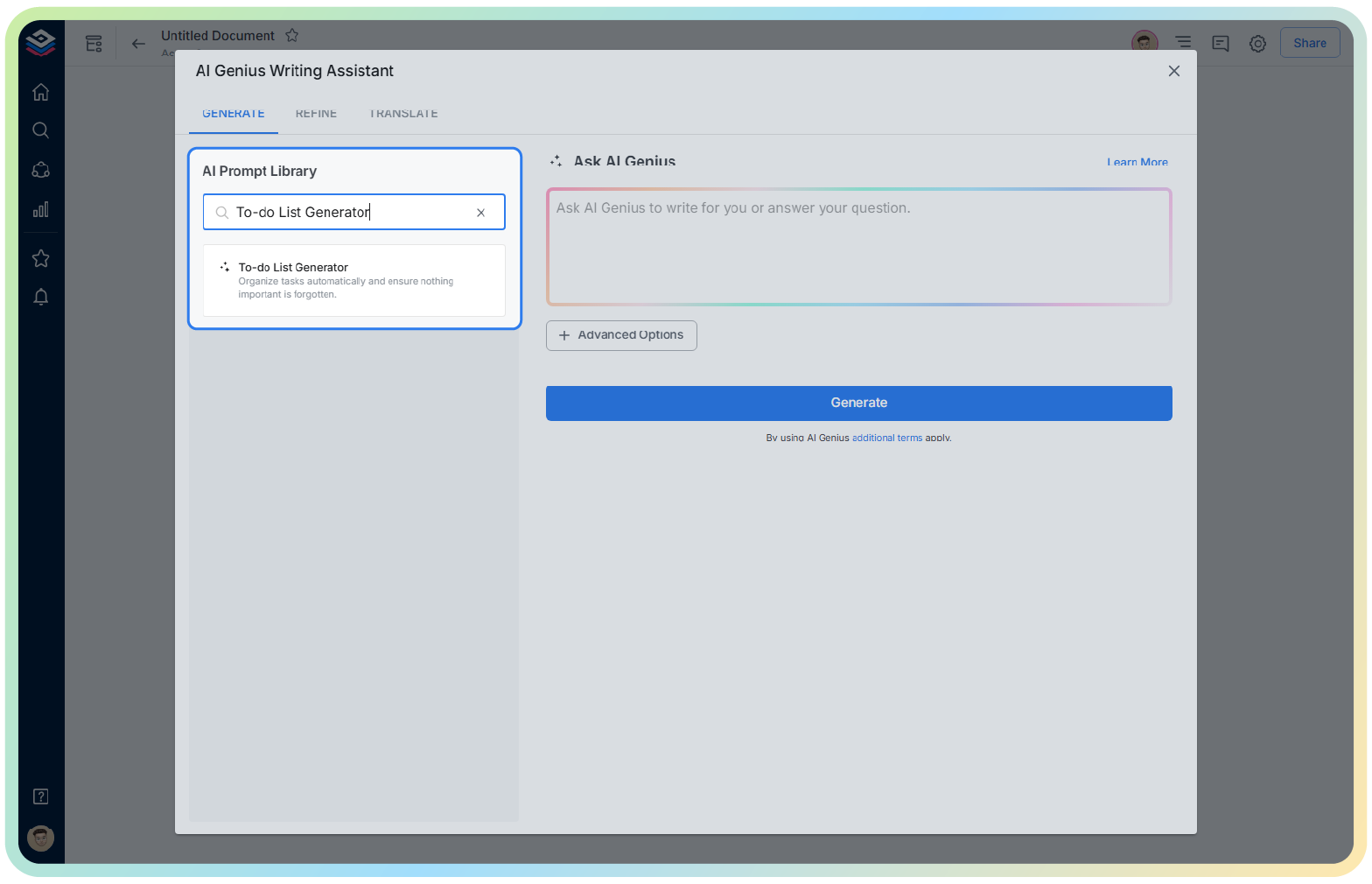
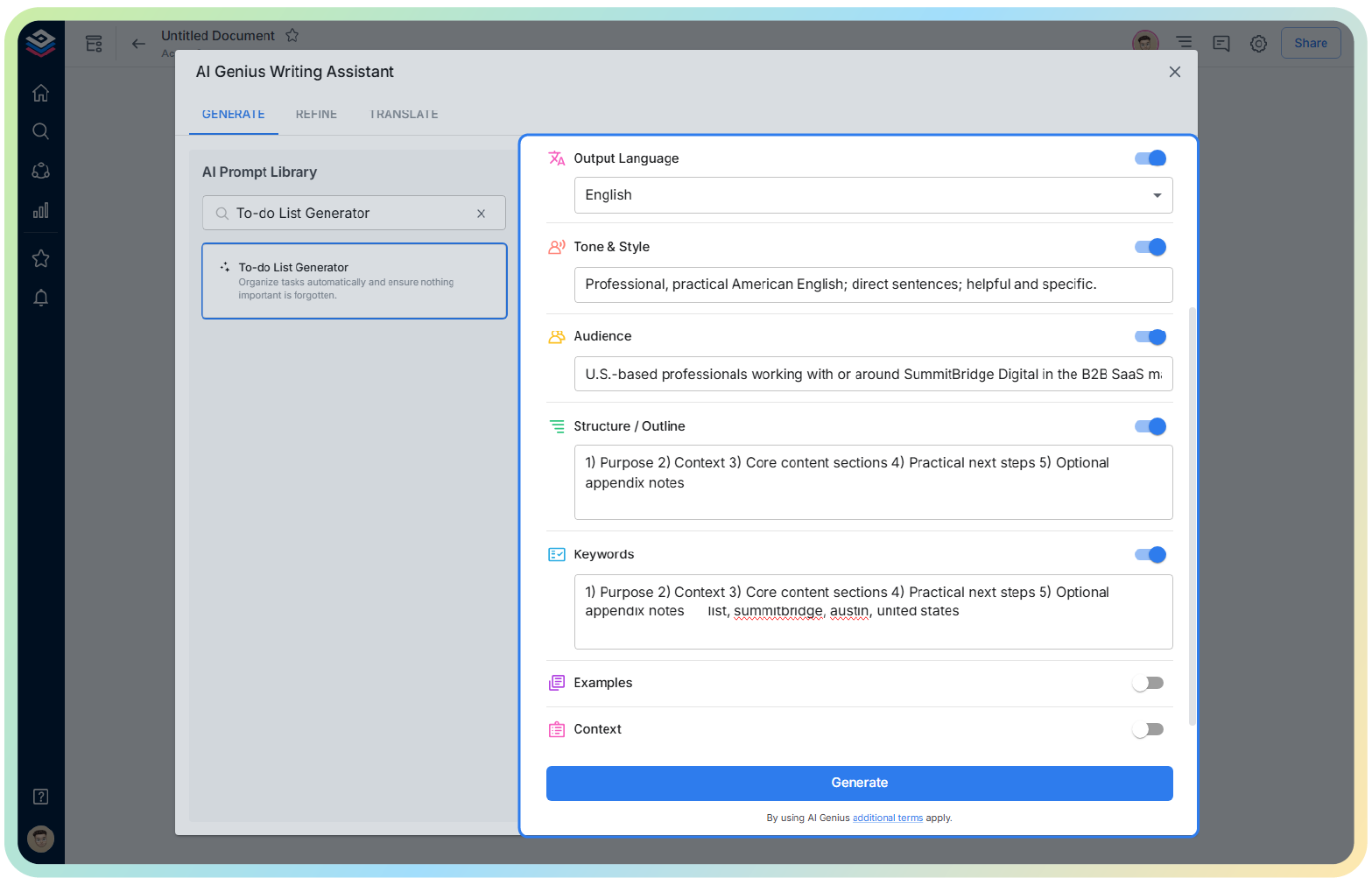
4. Enter the goal, project, responsibilities, or tasks you want to organize. Add any relevant deadlines, priorities, or instructions.
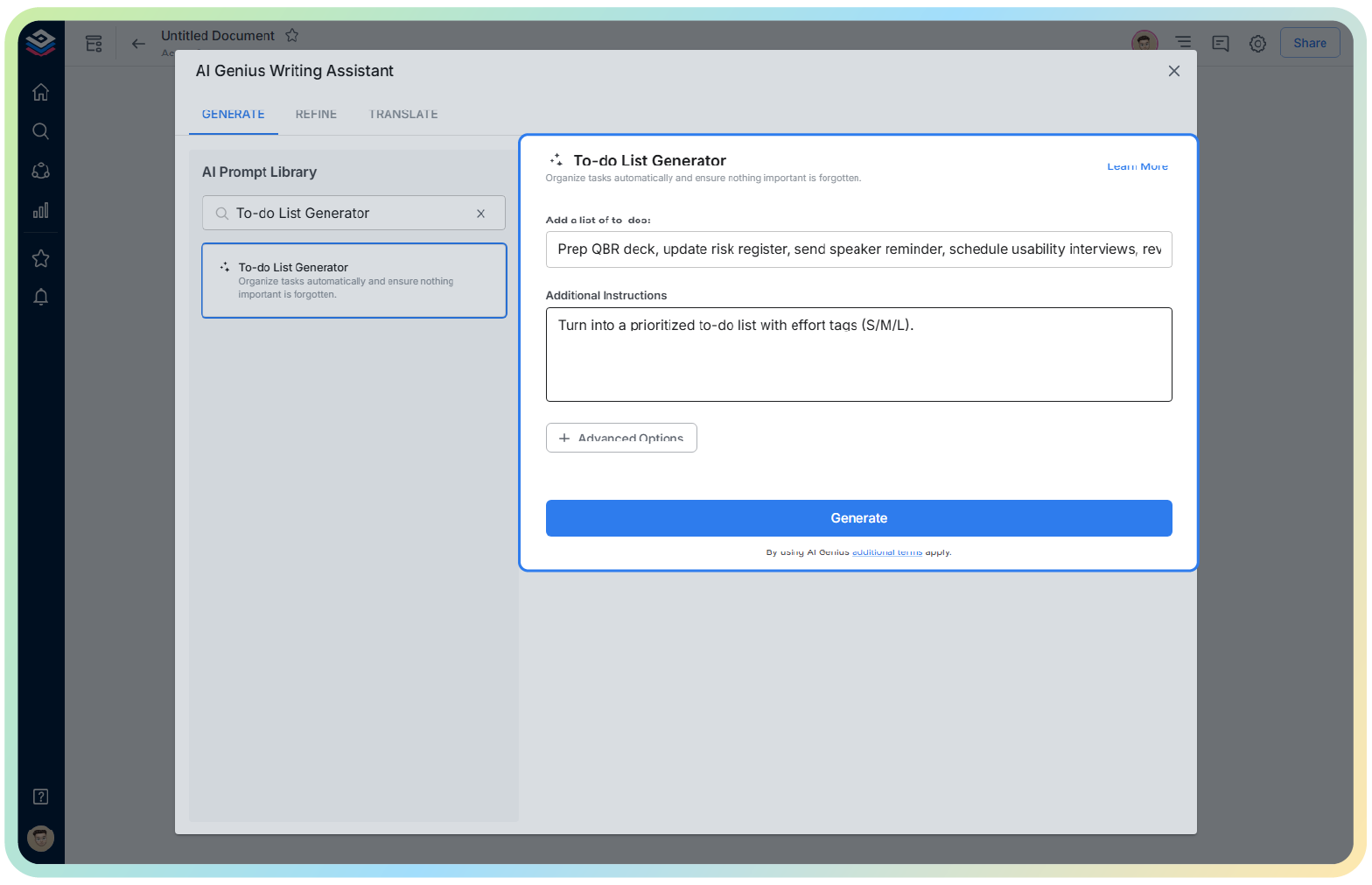
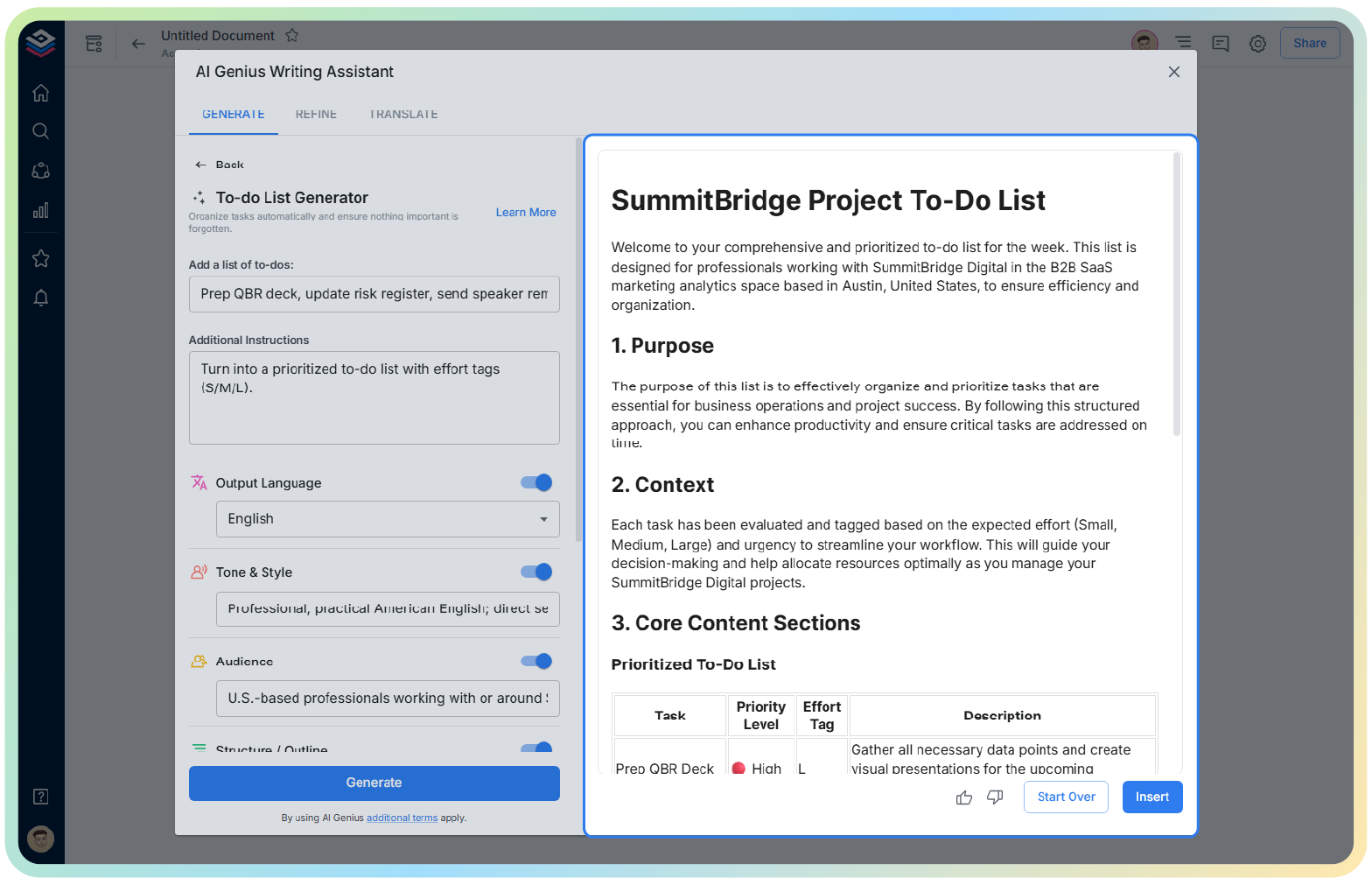
5. Review the generated to-do list and customize it by adding, removing, reordering, or refining tasks to match your needs.
6. Click "Insert" to add the completed to-do list to your Bit.ai document and start working through your tasks.
Use Cases
- Professionals With Busy Schedules: Create organized task lists for daily responsibilities, projects, meetings, and upcoming deadlines.
- Students and Academics: Break assignments, study goals, research projects, and exam preparation into manageable tasks.
- Freelancers and Entrepreneurs: Organize client work, business responsibilities, project deliverables, and follow-up tasks in one place.
- Project Teams: Turn project objectives into actionable tasks that give team members a clearer understanding of what needs to be completed.
- Busy Parents and Home Managers: Organize errands, household responsibilities, appointments, and personal goals without keeping everything in your head.
- Anyone Working Toward a Goal: Break a larger objective into smaller steps and create a practical plan for making consistent progress.
Wrapping Up
The AI To-Do List Generator makes it easier to turn goals and responsibilities into a clear plan of action. Whether you're managing a busy workday, planning a project, studying for an exam, or organizing personal tasks, AI can help you create a structured starting point in seconds.
Instead of letting a long list of responsibilities become overwhelming, break your goals into manageable tasks, prioritize what matters, and move forward one step at a time.
Prefer to start with a ready-made structure? Use Bit.ai’s To Do List Template to organize your tasks and priorities, then customize it to your needs.
To-Do List Generator FAQs
1. How does the AI To-Do List Generator work?
Enter a goal, project, set of responsibilities, or tasks you want to organize. The AI uses your input to create a structured list of actionable tasks.
2. Can I customize the generated to-do list?
Yes. You can add, remove, reorder, or modify tasks to make the list better suited to your priorities and workflow.
3. Can the generator break down large projects?
Yes. You can provide a larger goal or project, and the AI can break it down into smaller, more manageable tasks.
4. Can I create a daily or weekly to-do list?
Yes. You can specify the timeframe or context when creating your list to generate tasks for a particular day, week, or project.
5. Can I include deadlines and priorities?
Yes. You can provide deadlines, priorities, or other relevant instructions as part of your input to help create a more organized task list.