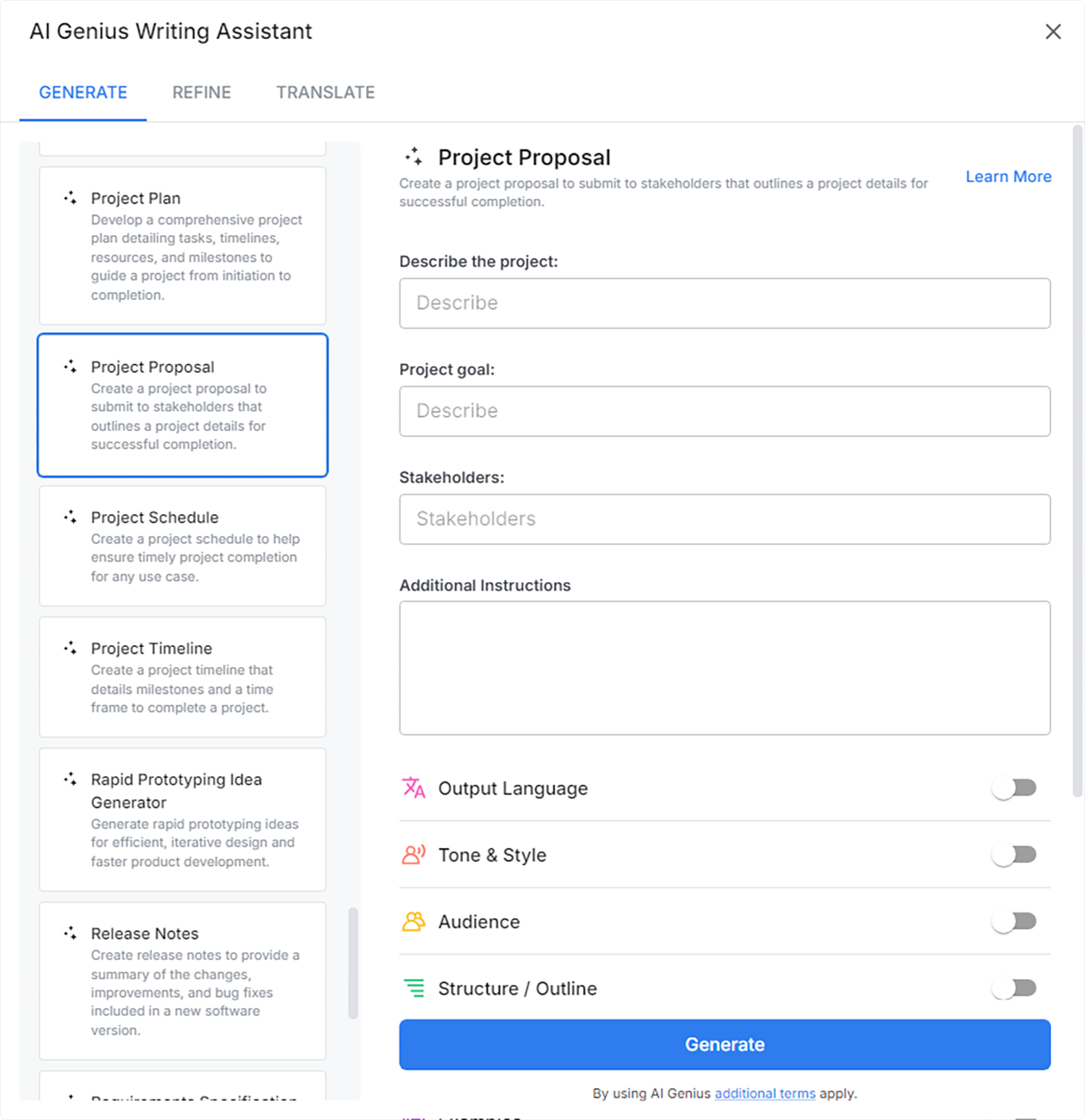
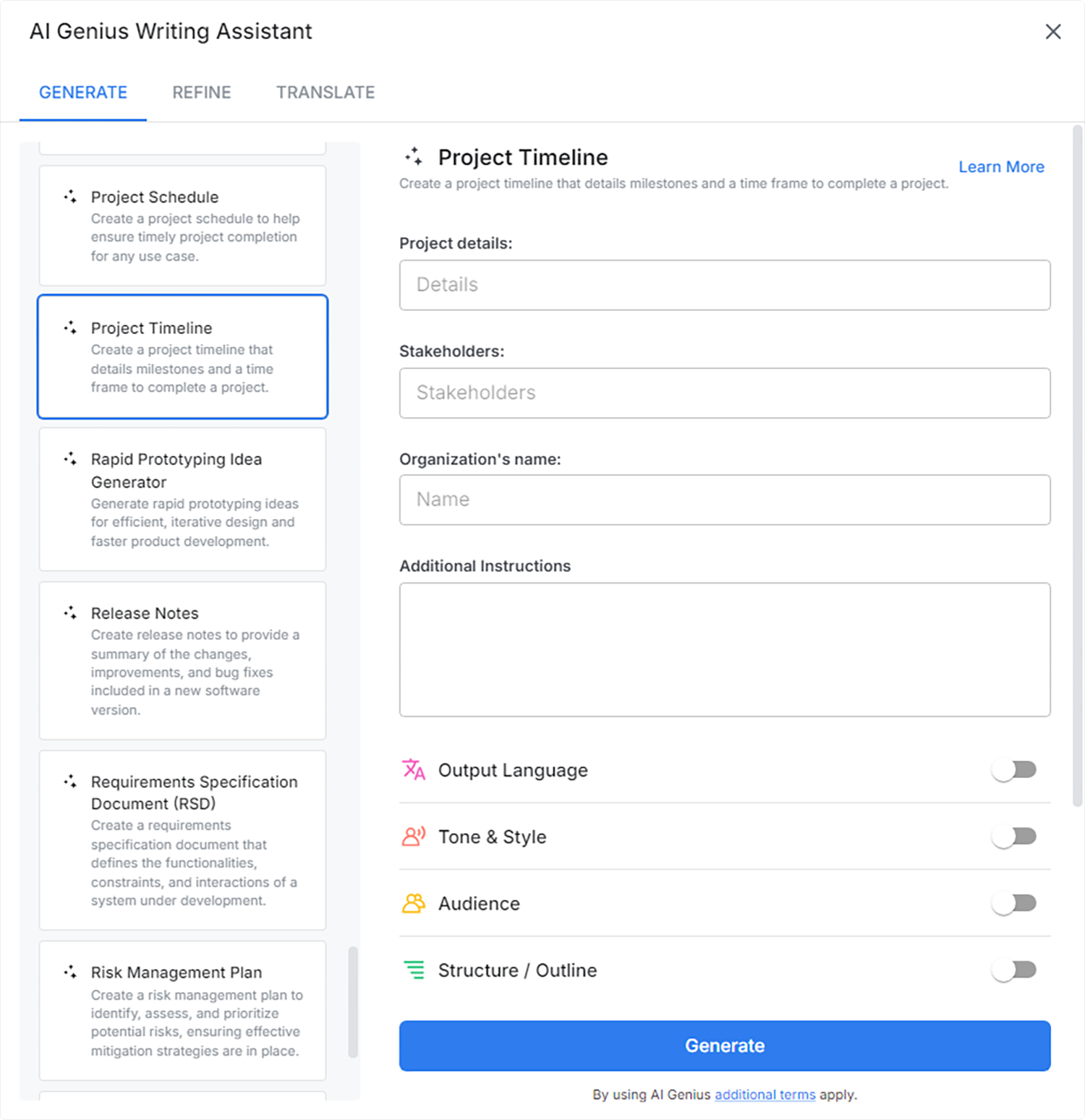
AI Roadmap Builder
Visualize Your Path to Success
Every great idea needs a clear plan. Whether you’re planning a product launch, mapping out a marketing strategy, or aligning team goals, an AI Roadmap Builder can help turn complex plans into a structured, easy-to-follow roadmap. Bit.ai’s AI Roadmap Builder helps you organize goals, milestones, timelines, and responsibilities in one collaborative workspace.
Ready to turn your plans into progress? Let’s dive in!
What is an AI Roadmap Builder?
An AI Roadmap Builder is a tool that helps you create structured roadmaps based on your goals, priorities, timelines, and key milestones. Instead of starting from scratch, you can use AI to organize your ideas into a clear plan that helps teams understand what needs to happen, when it needs to happen, and who is responsible.
Whether you're building a product roadmap, project roadmap, marketing roadmap, or company strategy roadmap, an AI Roadmap Builder makes planning faster and easier.

Why Use an AI Roadmap Builder?
- Clarity of Vision: Turn broad goals and ideas into a structured roadmap with clear milestones and priorities.
- Faster Planning: Generate a starting point quickly instead of building your roadmap from scratch.
- Better Alignment: Give team members and stakeholders a shared view of goals, timelines, and responsibilities.
- Prioritized Goals: Organize initiatives based on importance, dependencies, and business objectives.
- Progress Tracking: Keep milestones and deliverables visible so teams can monitor progress and identify roadblocks.
- Flexible Planning: Update your roadmap as priorities, timelines, or project requirements change.
Why Choose Bit.ai’s AI Roadmap Builder?
Bit.ai makes roadmap creation more structured, collaborative, and easier to manage. Here’s what makes it useful for teams:
- AI-Assisted Roadmap Creation: Generate a structured roadmap based on your goals, projects, milestones, and timelines.
- Customizable Structure: Adapt your roadmap to different projects, teams, industries, and planning cycles.
- Clear Organization: Arrange goals, milestones, tasks, and deadlines in a format that’s easy for everyone to understand.
- Real-Time Collaboration: Work with your team to brainstorm, refine, and update the roadmap in one shared workspace.
- Rich Content: Add files, links, videos, documents, and other resources to provide context for each initiative.
- Progress Tracking: Use status markers and checklists to monitor milestones and deliverables.
- Easy Sharing: Share your roadmap with teammates, clients, or stakeholders through a shareable link.
- Centralized Information: Keep roadmap details, supporting resources, and project information together instead of scattered across different tools.
How to Use Bit.ai’s AI Roadmap Builder
1. Open a new document in Bit.ai.

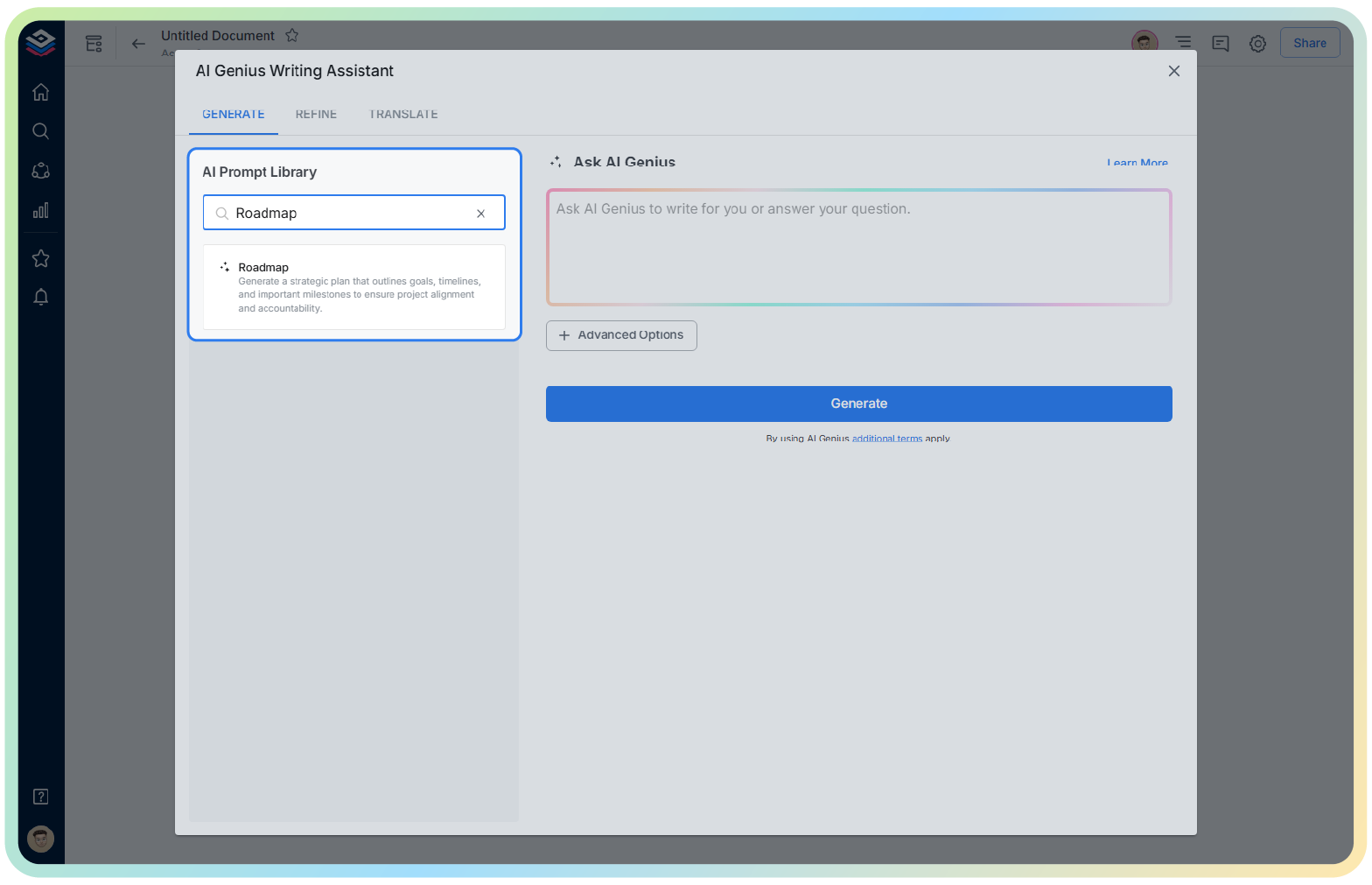
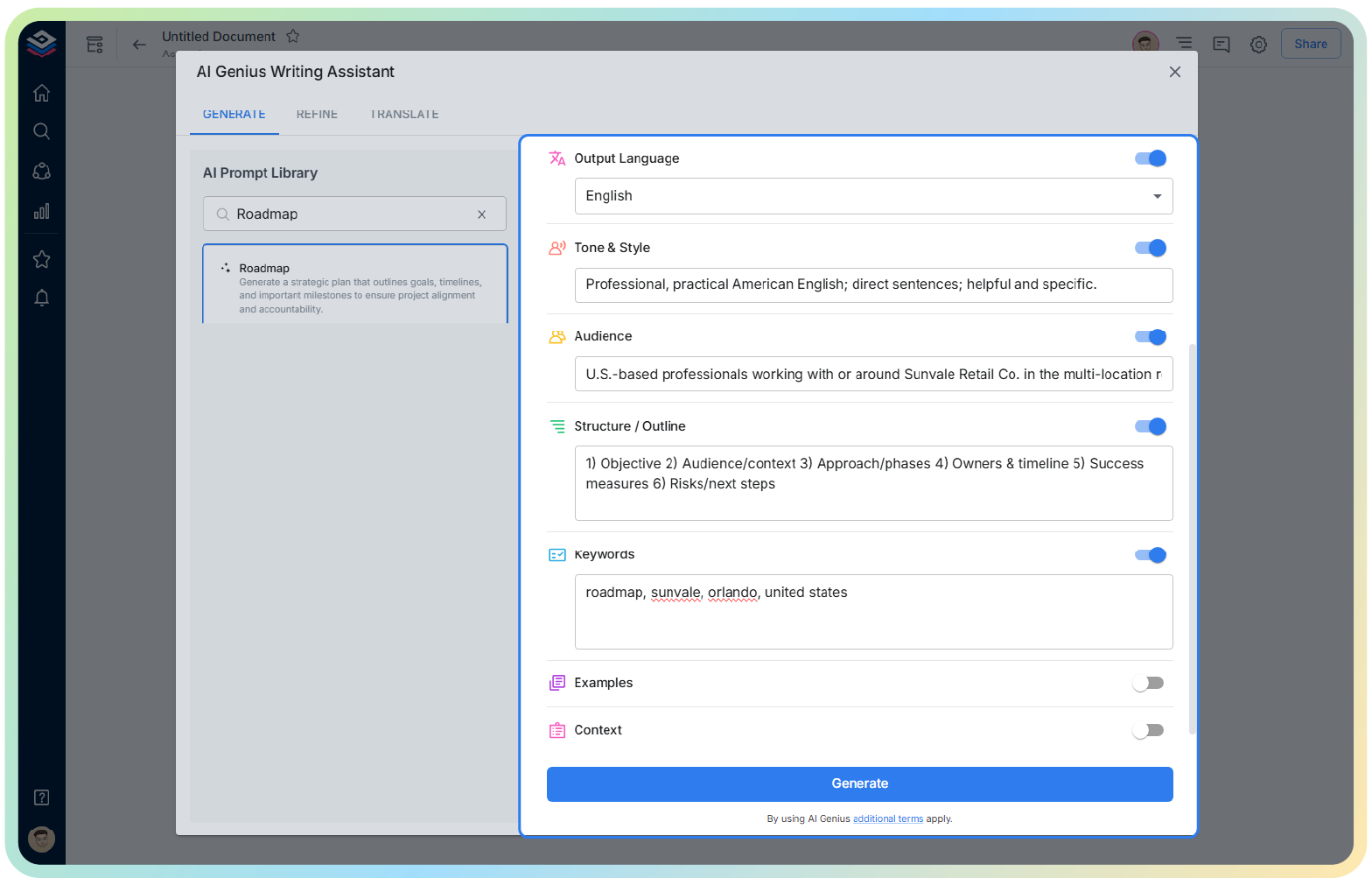
2. Type @ on a blank line to open the AI Writing Assistant.

3. Search "Roadmap Builder" in the search field.
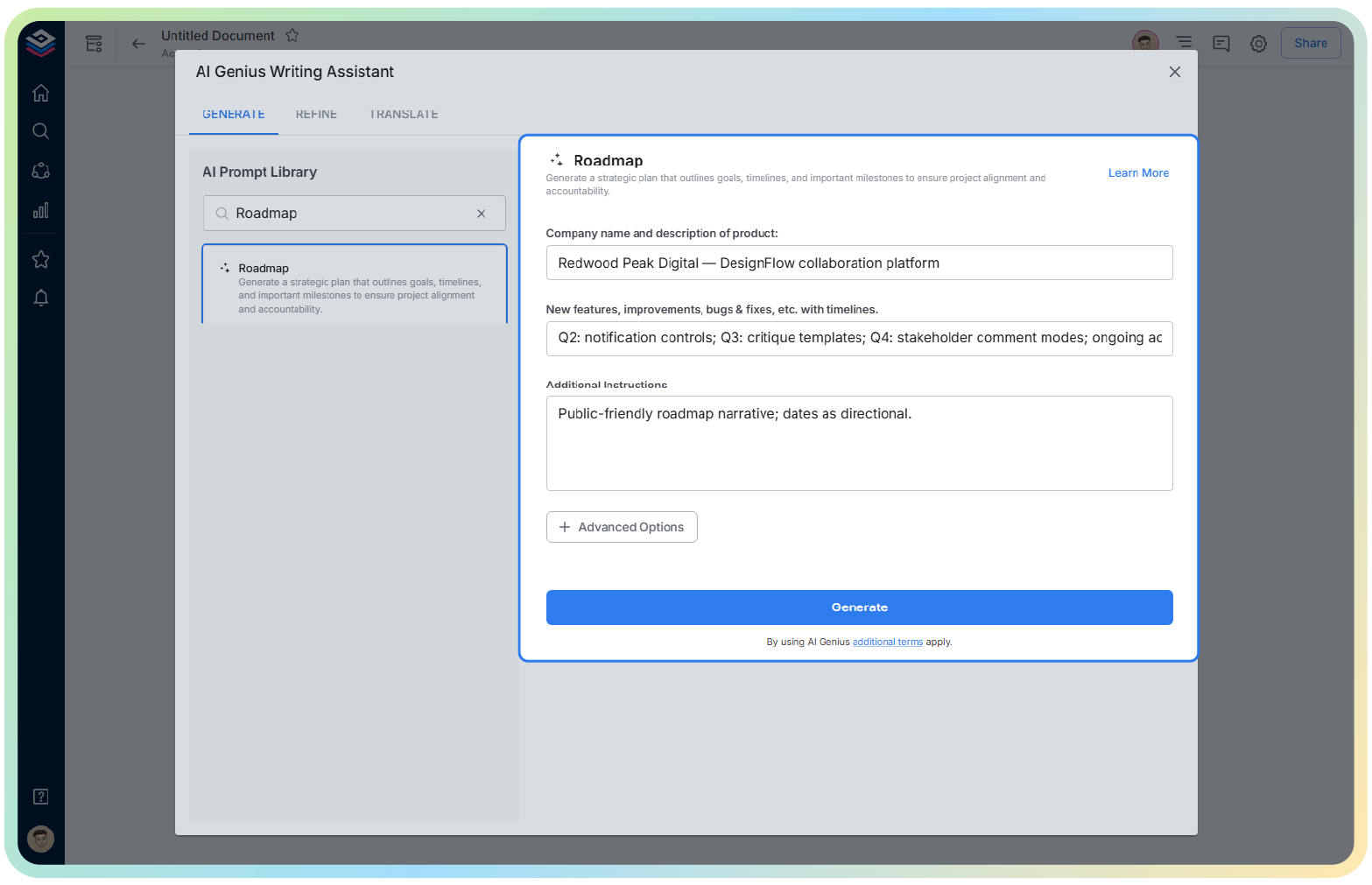
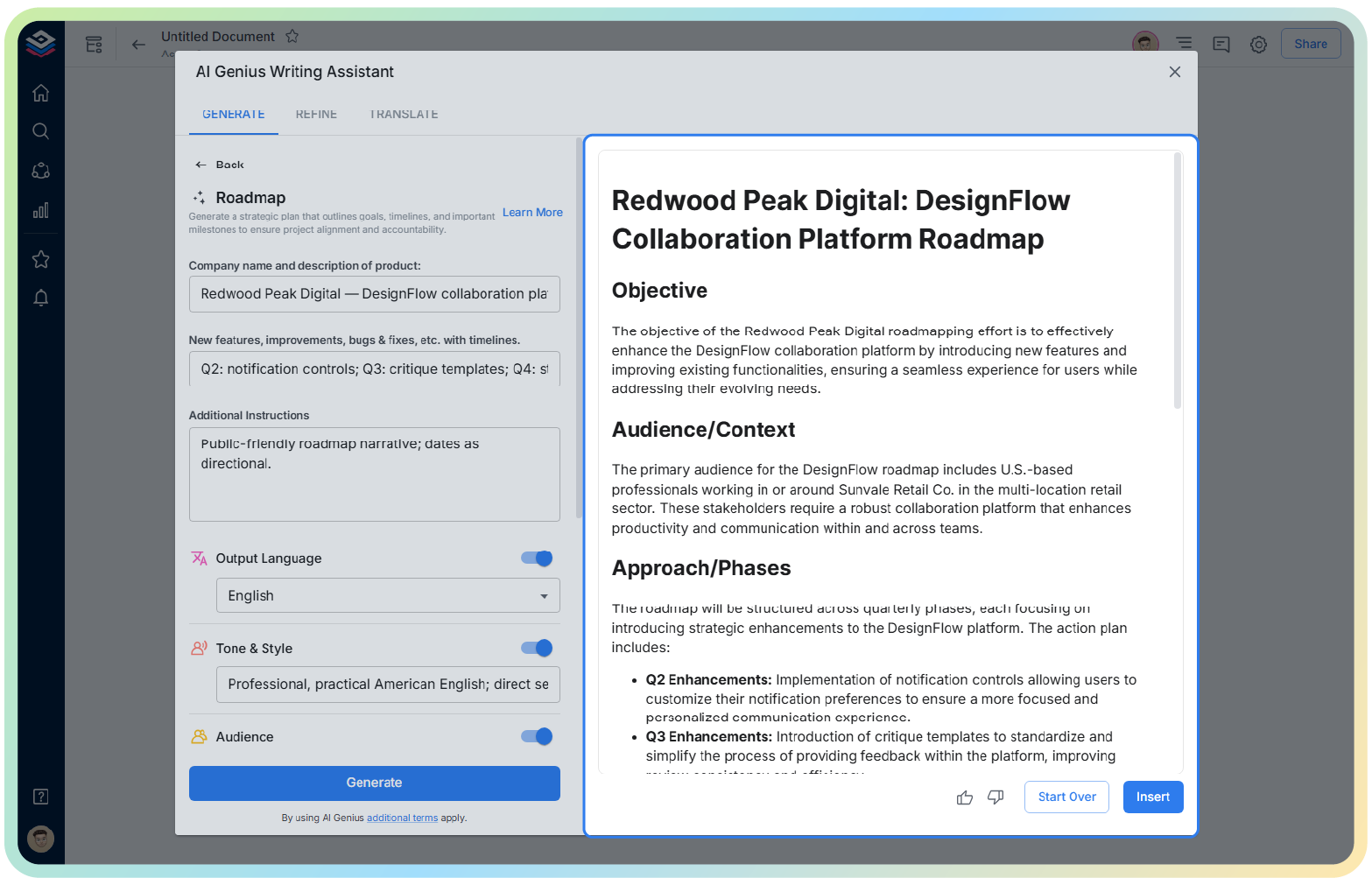
4. Fill out the quick entry form with details such as your goals, milestones, timelines, and priorities. Bit.ai will generate a structured roadmap.
5. Customize the roadmap by adding milestones, deadlines, responsibilities, dependencies, and supporting resources.
6. Once you're done, click "Insert" to add the roadmap to your Bit document and share it with your team or stakeholders.
Use Cases
- Product Teams: Plan product development, feature releases, milestones, and long-term product goals.
- Marketing Teams: Map out campaigns, content initiatives, launches, and promotional timelines.
- Project Managers: Organize deliverables, deadlines, dependencies, and project milestones in one place.
- Leadership Teams: Communicate company objectives, strategic initiatives, and long-term priorities across the organization.
- Cross-Functional Teams: Align multiple departments around shared goals, timelines, and responsibilities.
- Startups: Turn business goals and growth plans into actionable milestones as the company evolves.
Wrapping Up
With Bit.ai’s AI Roadmap Builder, turning goals into an actionable plan becomes faster and more organized. Whether you're planning a product launch, managing a project, coordinating a marketing campaign, or setting company-wide goals, you can create a roadmap that keeps priorities, milestones, and teams aligned.
Instead of managing plans across scattered documents and tools, bring your roadmap and supporting information together in one collaborative workspace with Bit.ai.
Already have the details? You can also create your roadmap with a ready-made template. The Roadmap Template gives you a structured starting point to organize and customize your goals, priorities, milestones, and timelines.
Roadmap Builder FAQs
1. What can I create with an AI Roadmap Builder?
You can create product, project, marketing, strategic, and team roadmaps based on your goals, priorities, milestones, and timelines.
2. Can I customize the roadmap after it is generated?
Yes. You can modify milestones, deadlines, responsibilities, priorities, and other roadmap details to match your project.
3. Can my team collaborate on the roadmap?
Yes. Bit.ai allows teams to work together on documents, refine roadmap details, add resources, and keep everyone aligned.
4. Can I use the roadmap for long-term planning?
Absolutely. You can use it to organize short-term initiatives as well as long-term strategic goals, product plans, and company objectives.