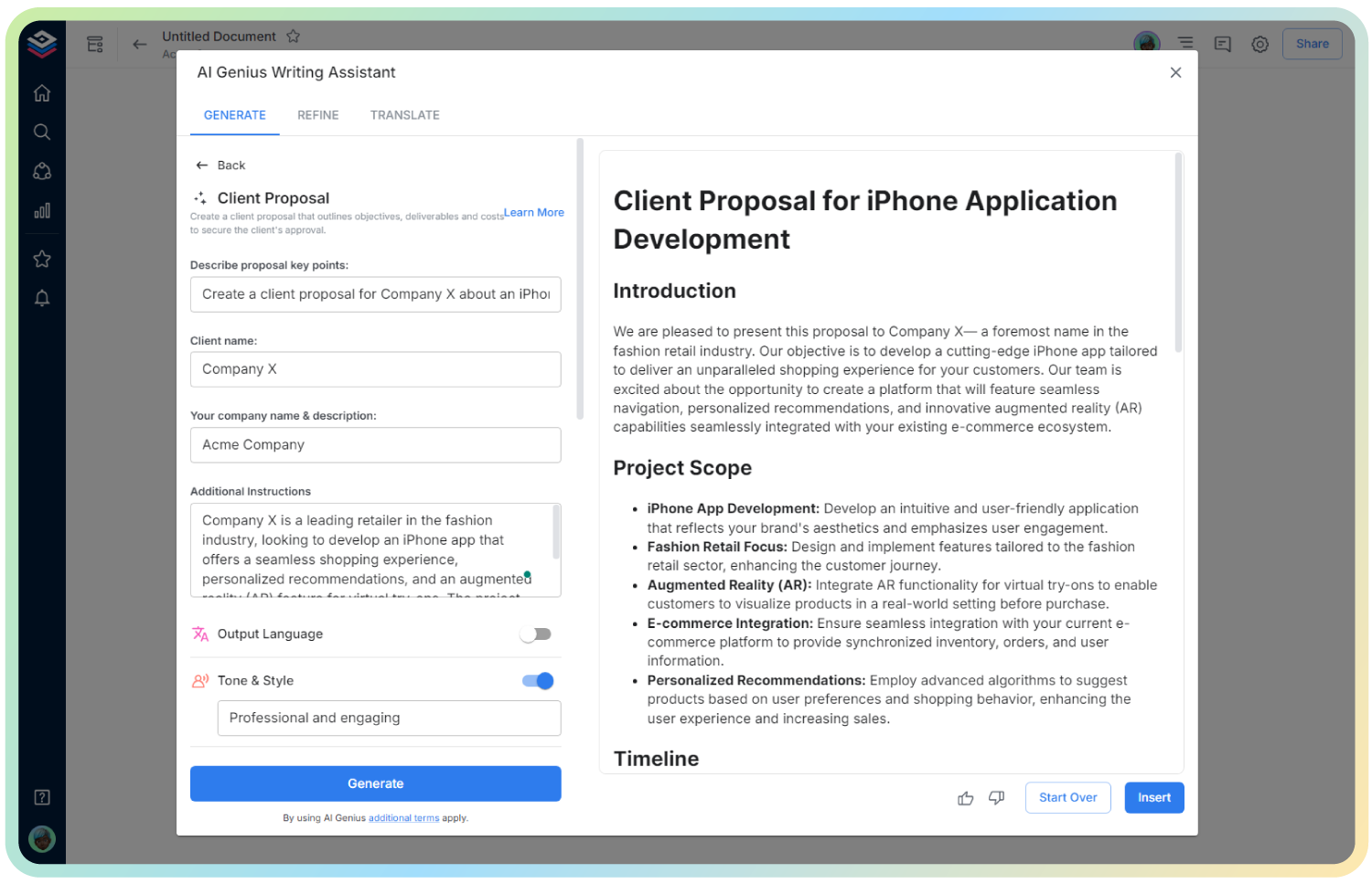
AI Project Deadline Reminder Email
Send Gentle, Professional Nudges to Keep Projects on Track
Project delays can impact multiple teams, derail timelines, and cause unnecessary stress. A well-crafted project deadline reminder email ensures stakeholders stay aligned and deliver on time—without sounding pushy.
That’s where Bit’s Project Deadline Reminder Email Generator comes in! Whether you’re reminding team members, external collaborators, or clients, this tool helps you send timely and respectful reminders that keep momentum going.
Let’s explore what this tool does, why it’s essential, and how Bit.ai makes sending project reminders a seamless part of your workflow.
What is a Project Deadline Reminder Email?
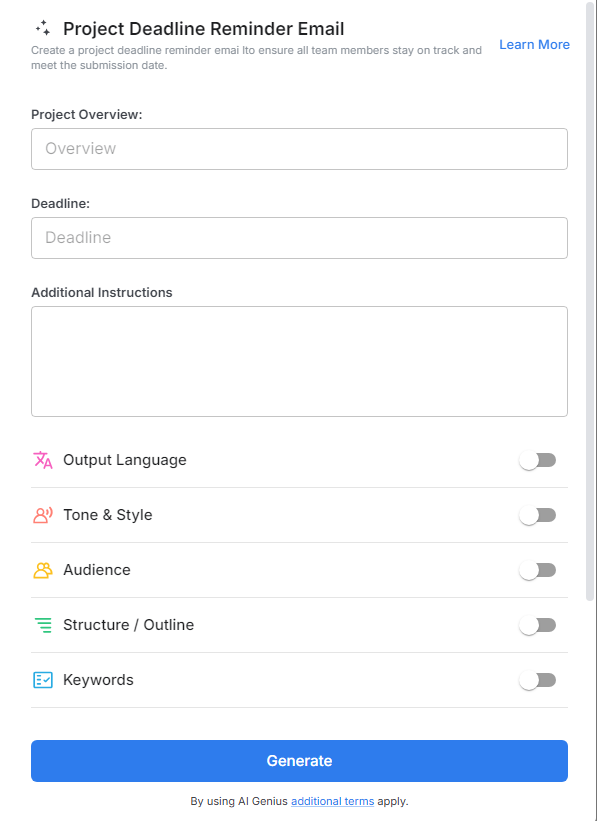
A Project Deadline Reminder Email Generator is an AI-powered tool that helps you write polished, customized emails reminding stakeholders of upcoming deadlines. Whether it’s a final handoff or a mid-project milestone, this generator ensures your messages are clear, courteous, and effective.
Why Use the Project Deadline Reminder Email?
- Professional Tone: Craft emails that are firm but polite, maintaining positive working relationships.
- Saves Time: Generate deadline reminders in seconds with ready-made email structures.
- Customizable Language: Adjust tone, urgency, and formality to suit different recipients.
- Promotes Accountability: Gently encourages timely delivery without micromanaging.
- Clear Details: Automatically includes key information like due date, deliverables, and contact points.
- Scalable Messaging: Perfect for managing reminders across multiple teams or projects.
Why Use Bit.ai for Project Deadline Reminders?
Bit.ai is built for professionals who need to communicate efficiently and clearly across teams.
- Smart Templates: Access project reminder email formats for different audiences and urgency levels.
- Live Collaboration: Loop in team leads or PMs for quick edits or approvals before sending.
- Project Integration: Easily reference project plans, timelines, or task lists from within Bit.
- Centralized Workspace: Keep all project communications, documents, and reminders in one place.
- Consistent Branding: Customize email headers, footers, or sign-offs to match your company style.
- Trackable Links: Include document links and track engagement from recipients if needed.
How to Use Bit.ai Project Deadline Reminder Email
1. Open a new document in Bit.ai.

2. Type @ on a blank line to open up the AI Writing Assistant.

3. Search Instagram Post Generator from the template search field on the left sidebar.
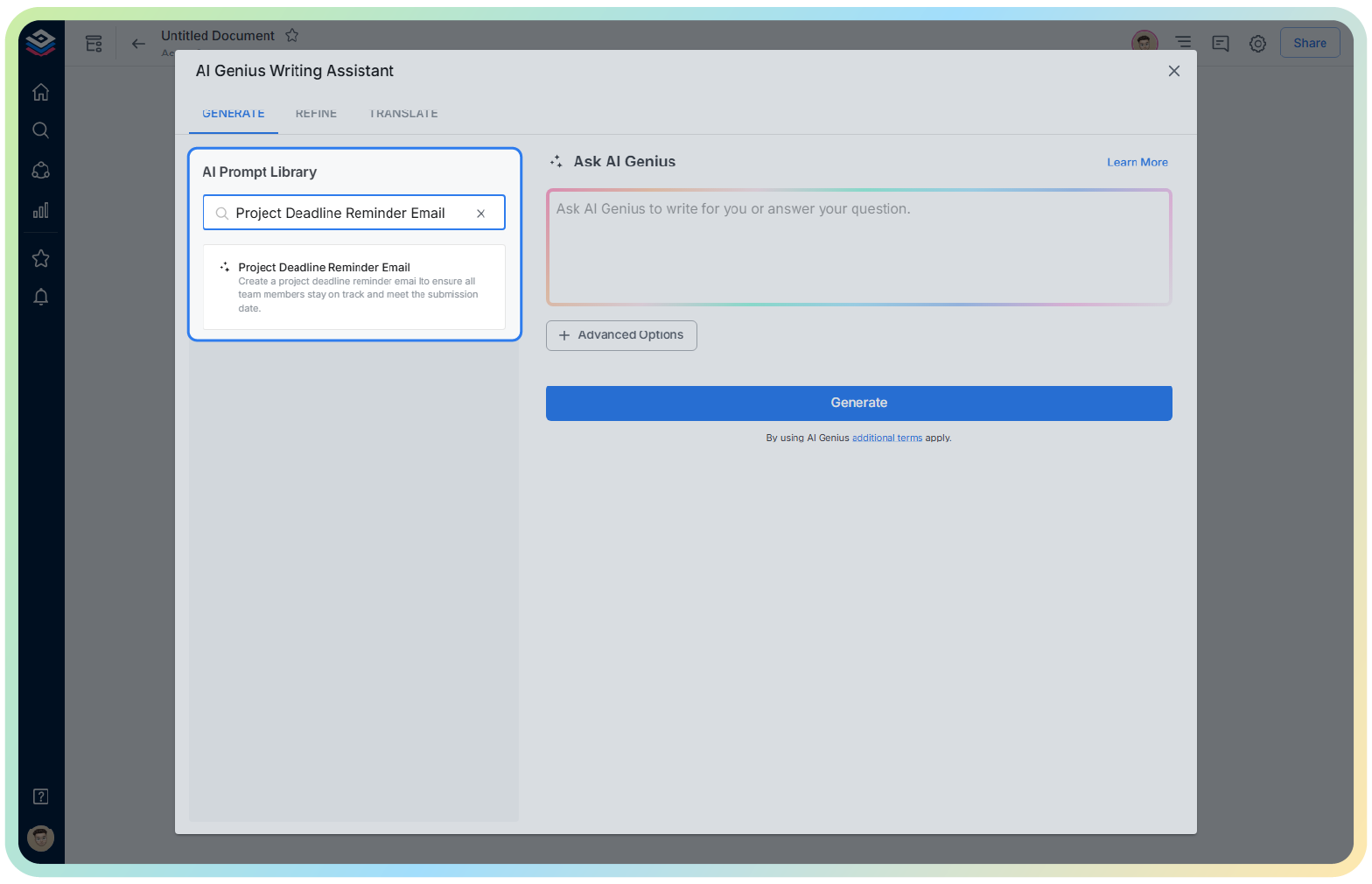
4. Fill out the quick Instagram Post Generator entry form, and Bit.ai will generate a customized post.

5. Personalize your package by clicking on ‘Advanced Options’ to adjust design elements, add logos, and fine-tune the messaging.

6. Once finalized, click ‘Insert’ to add the template to your Bit document and make further edits as needed.