


AI Issue Tracker
Stay on Top of Issues and Resolve Them with Efficiency
Managing issues and bugs is a crucial part of any project, especially in software development, product design, or any team-based work environment. Without a solid system to track and resolve problems, things can slip through the cracks. Bit.ai’s Issue Tracker is perfect to keep your team organized and focused, ensuring issues are logged, assigned, and resolved in a timely manner.
Let’s dive into how Bit.ai’s Issue Tracker can help you streamline your workflow, improve team communication, and tackle issues head-on.
What is an Issue Tracker?
An Issue Tracker is a system that helps teams track, manage, and resolve issues, bugs, or tasks that arise during a project. It allows you to document issues as they occur, assign them to team members, track their progress, and ensure they’re resolved before the project moves forward. Whether it's a bug in the code, a design flaw, or a missed deadline, an Issue Tracker helps keep everything organized and transparent.
Why Use an Issue Tracker?
- Centralized Tracking: Keep all your issues in one place, making it easy to monitor progress and avoid missing critical problems.
- Prioritization: Easily assign priority levels to issues, ensuring that the most urgent problems get addressed first.
- Team Accountability: Assign tasks to specific team members and track the status of their work, ensuring accountability and progress.
- Clear Communication: Maintain transparent communication within your team by leaving comments, updates, and notes on each issue.
- Data-Driven Insights: Get insights into trends and recurring issues, helping you identify areas for improvement in your processes or products.
Why Use Bit.ai for Your Issue Tracker?
Bit.ai’s Issue Tracker makes it simple and efficient to log, assign, and resolve issues without all the hassle. Here’s how Bit.ai takes your issue management to the next level:
- Customizable Templates: Bit.ai offers a flexible template for tracking issues, allowing you to customize it to fit your specific project needs.
- Real-Time Collaboration: Collaborate with your team in real time. Everyone stays up-to-date with the latest changes, making it easier to resolve issues quickly.
- Task Management: Easily assign and track tasks related to each issue, ensuring that no issue goes unresolved.
- Streamlined Communication: Leave comments, updates, and attach files directly to the issue, keeping everything organized and in one place.
- Link to Related Documents: Bit.ai lets you link your Issue Tracker to related documents, such as project timelines, technical specs, or previous bug reports, keeping everything interconnected.
How to Use Bit.ai’s Issue Tracker
1. Open a new document in Bit.ai.

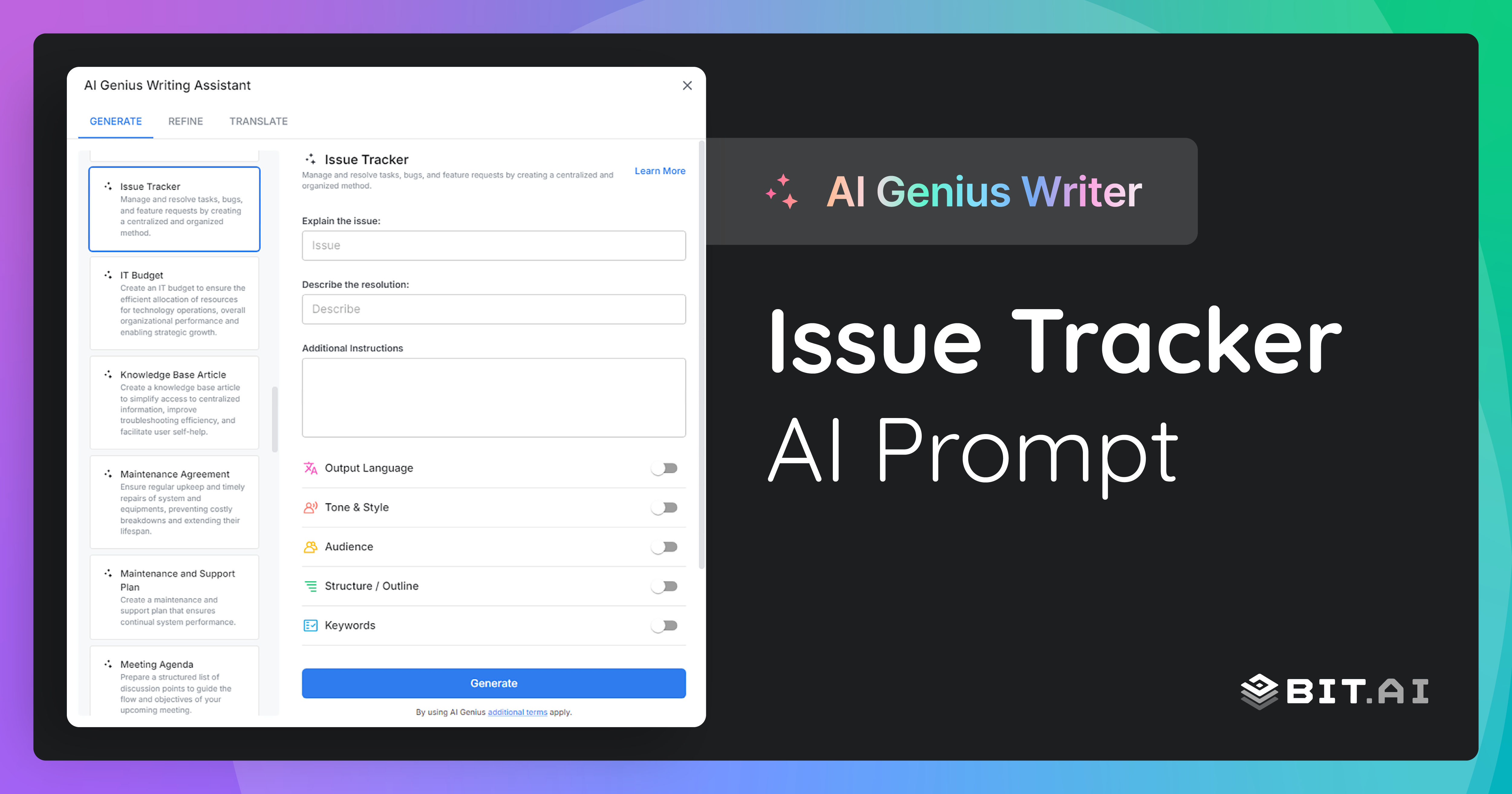
2. Type @ on a blank line to open up the AI Writing Assistant.


4. Fill out the quick Instagram Post Generator entry form, and Bit.ai will generate a customized post.

5. Personalize the tracker by adding specific categories, severity levels, or any other details unique to your project or team.

6. Once you're done, click ‘Insert,’ and the Issue Tracker will be added to your Bit document.
