FREE TEMPLATES
Best Task Prioritization Matrix Template
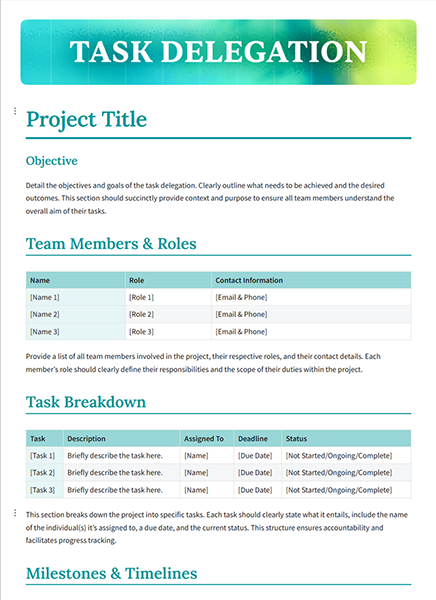
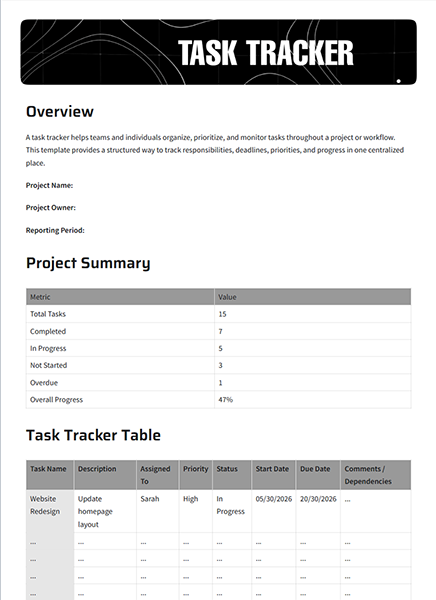
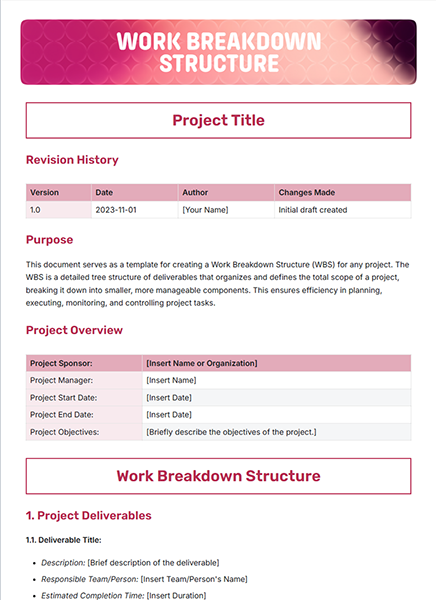
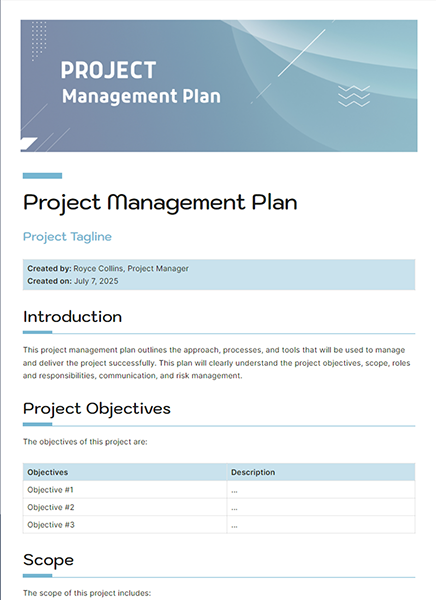
Organize tasks, evaluate priorities, and focus on the work that matters most with this free, customizable Task Prioritization Matrix Template. Use it to compare tasks based on urgency, importance, effort, and impact so your team can manage workloads more effectively.


What Is a Task Prioritization Matrix Template?
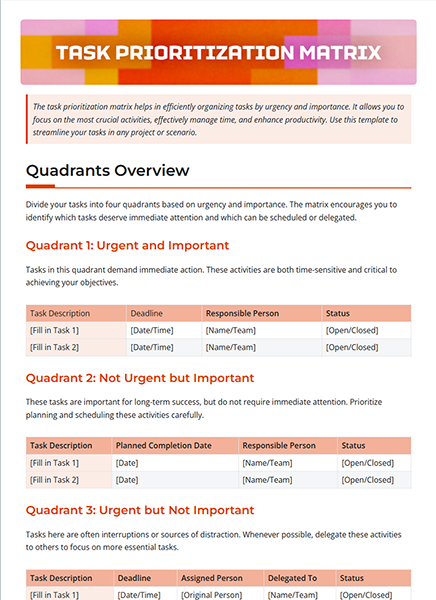
A Task Prioritization Matrix Template is a structured document designed to help individuals and teams evaluate and organize tasks based on their importance and urgency. It provides a clear framework for determining which tasks should be completed immediately, scheduled for later, delegated, or removed altogether.
By categorizing tasks according to their priority, the matrix enables users to manage deadlines more effectively, minimize distractions, and focus their time and resources on high-value activities.
Why Do You Need a Task Prioritization Matrix Template?
A task prioritization matrix helps teams make better decisions about how to use their time and resources. You can use it to:
- Identify urgent and important tasks
- Focus on high-impact work
- Reduce workload confusion
- Avoid missed deadlines
- Improve time management
- Support task delegation
- Balance short-term and long-term work
- Make project planning more efficient
What Should a Task Prioritization Matrix Include?
The Task Prioritization Matrix Template should contain the following key sections to help individuals and teams evaluate, rank, organize, and manage tasks based on their importance and urgency:
- Task name
- Task description
- Assigned person
- Project or department
- Urgency level
- Importance level
- Expected impact
- Deadline
- Priority category
- Task status
- Recommended action
How to Use This Task Prioritization Matrix Template?
Follow these simple steps to organize, prioritize, and manage tasks effectively in Bit.ai.
Step 1. Open the Task Prioritization Matrix Template in Bit.ai.
Step 2. List all tasks and add relevant details, such as deadlines, importance, urgency, and assigned team members.
Step 3. Evaluate each task based on its importance, urgency, effort, and impact, then assign it to the appropriate priority category.
Step 4. Collaborate with team members to review priorities, share updates, assign responsibilities, and coordinate tasks.
Step 5. Review and update the matrix regularly to reflect changing priorities, deadlines, and team requirements.
Pro Tips for Using an Effective Task Prioritization Matrix
- Review tasks based on business impact, not just urgency.
- Set clear deadlines for high-priority work.
- Avoid marking every task as urgent.
- Consider the effort required before assigning priorities.
- Revisit the matrix when new tasks are added.
- Delegate tasks that do not require your direct attention.
- Remove low-value tasks that create unnecessary work.
Why Use Bit.ai for Your Task Prioritization Matrix?
Bit.ai helps individuals and teams organize tasks, set priorities, and collaborate in one centralized workspace. Keep task lists, deadlines, priority levels, assignments, notes, and supporting resources together while collaborating in real time.
With AI-powered writing, smart document organization, and rich media embeds, Bit.ai makes task prioritization documents easier to create, manage, review, and update.
FAQ
Q1. What is a Task Prioritization Matrix Template?
A Task Prioritization Matrix Template is a structured format used to rank tasks based on factors such as urgency, importance, effort, and impact.
Q2. How do I use this Task Prioritization Matrix Template in Bit.ai?
Simply open the template in Bit.ai, add your tasks and relevant details, evaluate their importance and urgency, assign priorities, and collaborate with team members to organize responsibilities and deadlines.
Q3. Can multiple team members collaborate on a Task Prioritization Matrix in Bit.ai?
Yes. Bit.ai supports real-time collaboration, allowing team members to review tasks, update priorities, assign responsibilities, share feedback, and stay aligned on changing priorities.
Q4. Can I add supporting resources to my task prioritization document?
Yes. Bit.ai supports rich media and content embeds, allowing you to include documents, spreadsheets, images, videos, links, charts, and other resources alongside your task information.
Q5. What sharing options are available for a Task Prioritization Matrix?
Bit.ai offers multiple sharing options, including live document links, website embeds, trackable links, guest access, and password protection, making it easy to share task priorities securely with internal and external collaborators.