FREE TEMPLATES
Best Idea Capture Template
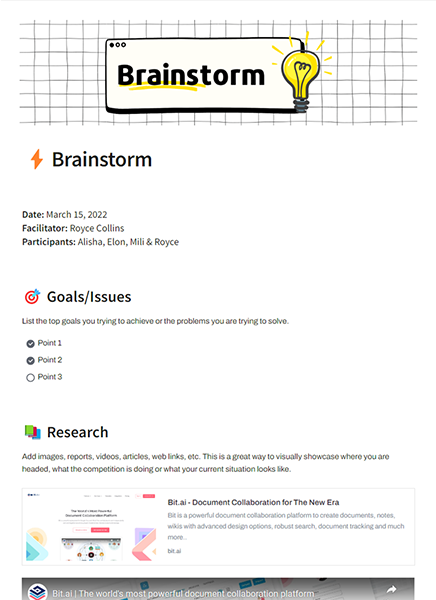
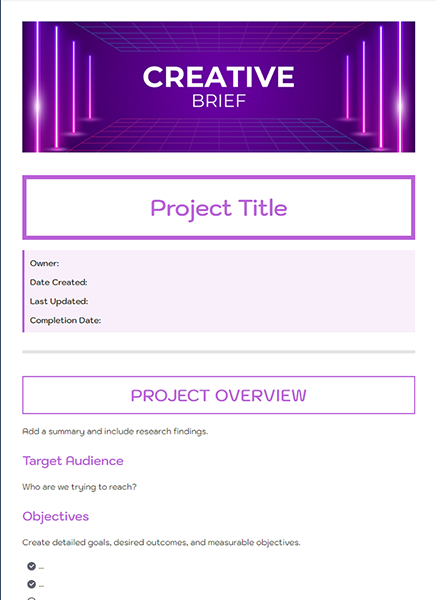
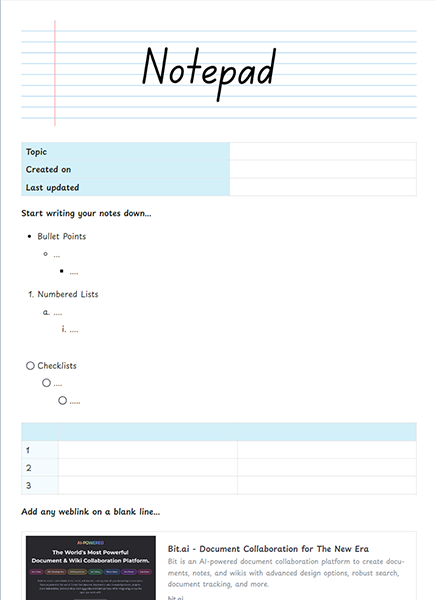
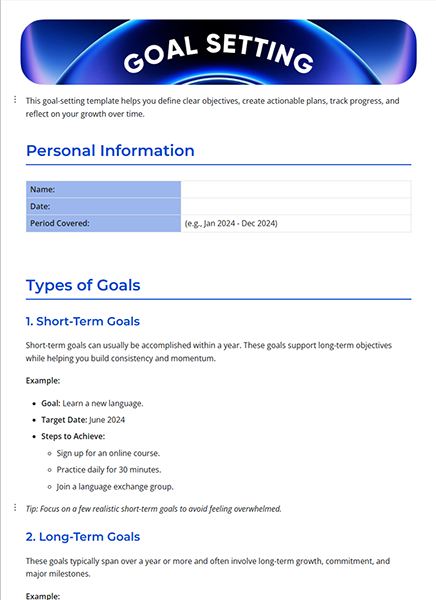
Capture, organize, and refine your ideas before they get lost with this free, customizable Idea Capture Template. Use it to record ideas, add context, evaluate their potential, and turn promising thoughts into actionable plans.


What Is an Idea Capture Template?
An Idea Capture Template is a structured document used to record and organize new ideas, business opportunities, project concepts, or creative thoughts in one place. It helps capture the idea, problem or opportunity, potential value, supporting details, and recommended next steps.
A consistent format makes it easier to review ideas, assess their potential, compare different opportunities, and decide which ideas are worth pursuing.
Why Do You Need an Idea Capture Template?
An Idea Capture Template provides a structured way to record, organize, and evaluate ideas before deciding which ones to pursue. You can use it to:
- Capture new ideas quickly
- Organize ideas by project, topic, or goal
- Record context and supporting information
- Identify potential opportunities
- Evaluate ideas against relevant criteria
- Prioritize high-potential ideas
- Document feedback and improvements
- Keep valuable ideas from getting lost
What Should an Idea Capture Template Include?
An idea capture template should cover the key information needed to document, evaluate, prioritize, and move an idea toward implementation.
Key sections included in this Idea Capture Template are:
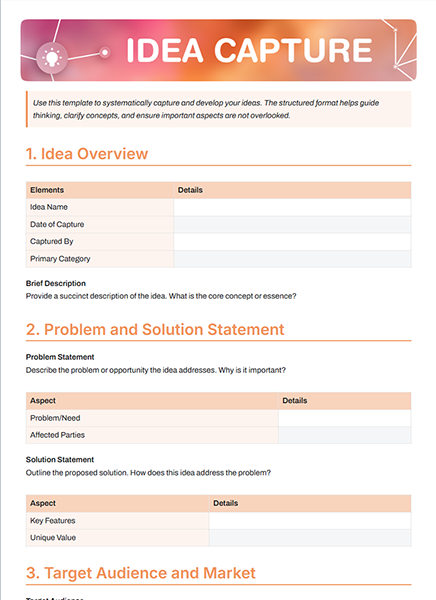
- Idea Overview: Records the idea name, capture date, category, owner, and a brief description.
- Problem & Solution: Defines the problem or opportunity and outlines the proposed solution, key features, and value.
- Target Audience & Market: Identifies intended users, relevant user needs, competitors, and market considerations.
- Implementation Strategy: Outlines key phases, milestones, timelines, and resources needed to move the idea forward.
- Risk Assessment: Identifies potential risks, their likelihood and impact, and appropriate mitigation strategies.
- Feedback & Next Steps: Captures feedback, improvement areas, action items, responsible owners, and due dates.
- Additional Notes: Provides space for supporting observations, research, or other information related to the idea.
How to Use This Idea Capture Template?
Follow these simple steps to capture, evaluate, and organize your ideas in Bit.ai.
Step 1. Open the Idea Capture Template in Bit.ai.
Step 2. Add the idea overview, problem or opportunity, and proposed solution.
Step 3. Define the target audience, market considerations, and potential value of the idea.
Step 4. Outline potential implementation steps, required resources, potential risks, and mitigation strategies.
Step 5. Collaborate with team members to gather feedback, refine the idea, and document the next steps.
Who Can Use This Idea Capture Template?
- Entrepreneurs and business owners
- Product and project managers
- Marketing and creative teams
- Writers and content creators
- Designers and developers
- Researchers and students
- Teams working on new projects
- Anyone who regularly generates ideas
Pro Tips for Effective Idea Capture
Follow these practices to capture ideas clearly and turn promising concepts into actionable opportunities:
- Capture ideas as soon as they come to mind.
- Keep initial descriptions short and clear.
- Add enough context to understand the idea later.
- Group related ideas together.
- Review your idea bank regularly.
- Separate ideas worth exploring from those ready for action.
- Update promising ideas as you gather new information.
Why Use Bit.ai for Your Idea Capture Template?
Bit.ai provides a collaborative workspace to capture, organize, evaluate, and develop ideas. You can customize the template, add notes, tables, files, links, and rich media to give each idea more context.
You can also collaborate with team members, collect feedback, and keep supporting resources connected to the idea. Bit.ai’s AI Writer can help expand rough ideas, summarize research, and improve written descriptions.
FAQ
Q1. What is an Idea Capture Template?
An Idea Capture Template is a structured format used to record, organize, evaluate, and prioritize new ideas, opportunities, and project concepts.
Q2. How do I use this Idea Capture Template in Bit.ai?
Simply open the template in Bit.ai, add the idea details, define the problem and solution, assess its potential, outline next steps, and collaborate with team members to refine the idea.
Q3. Can multiple team members collaborate on an Idea Capture Template in Bit.ai?
Yes. Bit.ai supports real-time collaboration, allowing team members to add ideas, provide feedback, review concepts, and contribute to the same document.
Q4. Can I add supporting resources to my Idea Capture document?
Yes. Bit.ai supports rich media and content embeds, allowing you to add documents, spreadsheets, images, videos, links, and other resources related to your ideas.
Q5. How can I share this Idea Capture Template?
You can share the template through live document links, website embeds, trackable links, guest access, or password-protected links, depending on your collaboration and sharing needs.